
Activity logs
Keep an eye on what's happening in your account with a running log of activity and team invitations.
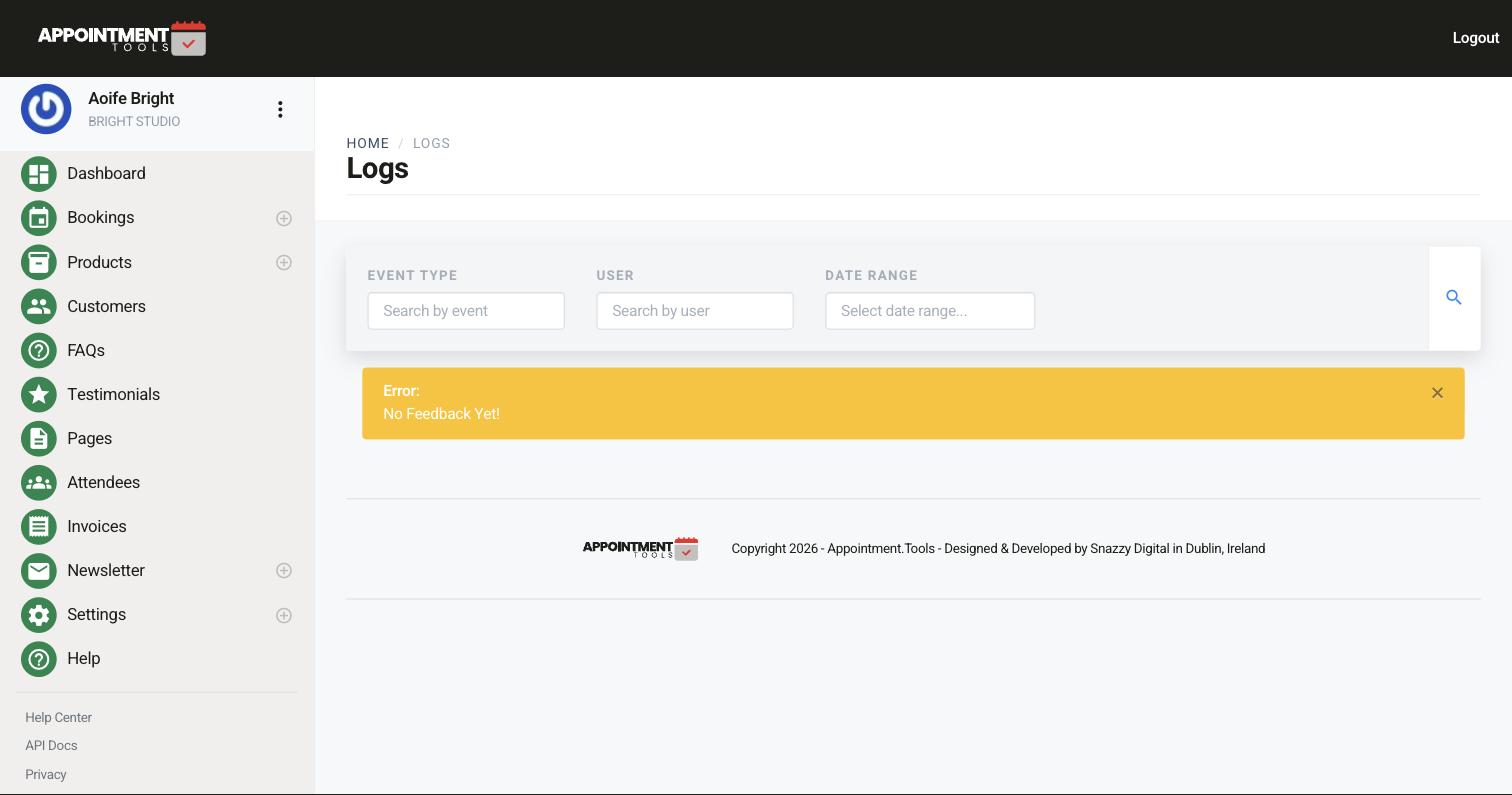
Open your logs
Select Logs to see a record of recent activity on your account. It's a useful place to check who did what and when, especially if more than one person helps run your business.
Where to find it
Dashboard → Logs
/logs
What gets recorded
The logs track account activity and team invitations — for example when someone is invited to help manage the business, or when key actions take place. This gives you a simple trail to look back on if you ever need to confirm what happened.
Team invitations
When you invite a colleague to your business, that invitation appears in the log so you can see it was sent and picked up. It's a quick way to confirm a team member has been added rather than wondering whether the invite went through.
Still need help?
Can't find what you're looking for? Send our support team a message and we'll reply by email.