
Logging in (email or Google)
Sign in to your account with your email and password, or use your Google account for one-click access.
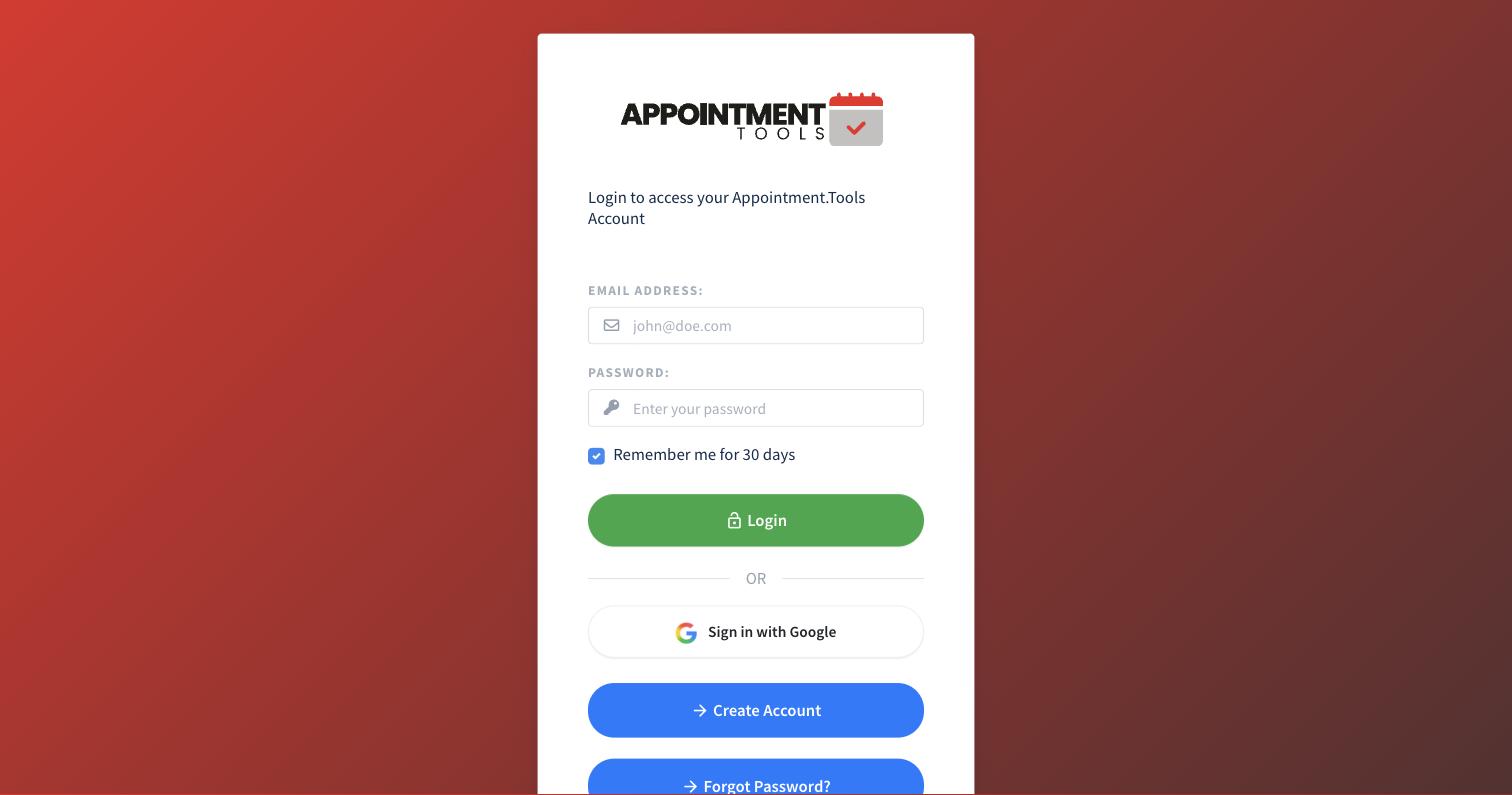
Log in with email
Go to the login page, enter the email address and password you signed up with, and select Log in. If you haven't confirmed your email yet, you'll be prompted to verify your email address first.
Where to find it
/loginSign in with Google
Prefer not to remember another password? Select Sign in with Google on the login page and choose your Google account. If it's your first time, you'll approve access and we'll create or link your account automatically.
Starts at
/auth/google/startForgotten your password?
If you can't remember your password, use the password reset page. Enter your email address and we'll send you a link to choose a new one.
Where to find it
/resetCommon issues
| What you see | What to do |
|---|---|
| Wrong email or password | Double-check for typos and caps lock. Still stuck? Reset your password at /reset. |
| Please verify your email | Confirm your email first — resend the link from the login screen if needed. |
| Session expired / logged out | For your security we log you out after a period of inactivity. Simply log in again. |
Still need help?
Can't find what you're looking for? Send our support team a message and we'll reply by email.