
Emails aren't arriving
If booking confirmations or reminders aren't turning up, work through these checks to find the cause.
Start with the spam folder
The most common reason an email seems missing is that it landed in the recipient's spam or junk folder. Ask the customer to check there, and to look for messages from your business name. If they find it, marking it as "not spam" helps future emails reach the inbox.
Check the customer's email address
A single typo in an email address means the message can never be delivered. Open the booking or customer record and confirm the address is spelt correctly. If it's wrong, correct it and resend the confirmation.
Where to find it
Dashboard → Bookings → (open booking)Verify your sending domain
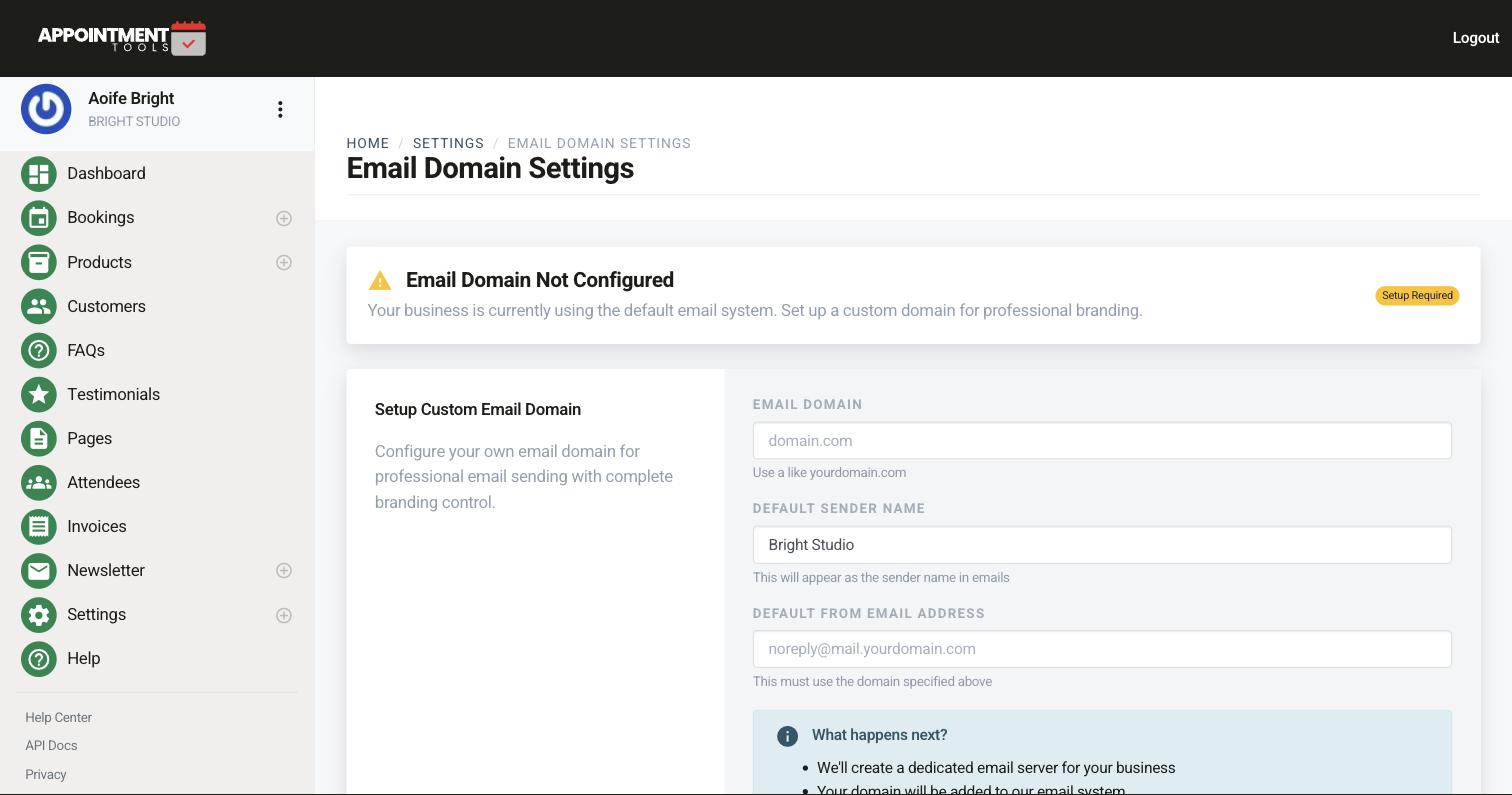
If emails are consistently blocked or filtered for everyone, your sending domain may not be fully verified. Verifying your domain tells email providers that Appointment Tools is allowed to send on your behalf, which greatly improves delivery. See Set up your sending domain to check and complete this.
Where to find it
Dashboard → Settings → Email DomainStill not arriving?
If you've checked spam, confirmed the address and verified your domain but emails still aren't getting through, contact support. Let us know the affected email address and roughly when the booking was made so we can trace what happened — see Getting more help.
Still need help?
Can't find what you're looking for? Send our support team a message and we'll reply by email.