
Custom pages
Add your own pages — like About, Pricing or a policy — to give customers more of your story on your booking site.
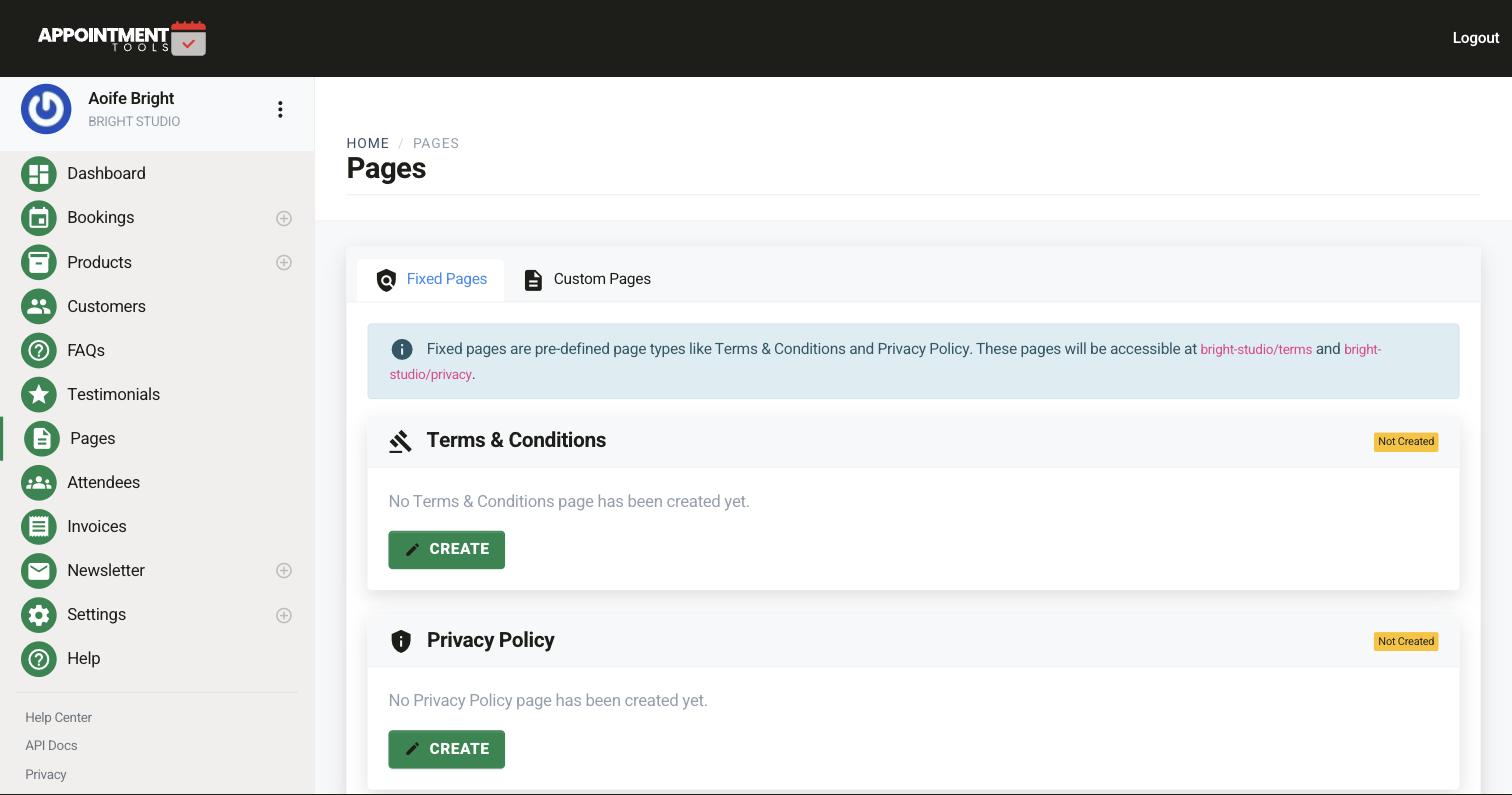
Create a page
Open the Pages section to create and manage custom pages for your booking site. Give each page a title and content, and it becomes part of your public site alongside your booking page.
Where to find it
Dashboard → Pages
/pages
Where your page appears
Each custom page is published on your booking site at /{your-slug}/pages/{slug}, where the first slug is your business and the second is the page's own short name. That gives every page a clean, shareable link you can point customers to.
Example
/{your-slug}/pages/about
/{your-slug}/pages/pricing
Ideas for custom pages
Custom pages are handy for anything that doesn't fit neatly elsewhere — an About page telling customers who you are, a detailed pricing breakdown, directions, or information about a special offer. Anything you'd want a customer to read before booking can live here.
Still need help?
Can't find what you're looking for? Send our support team a message and we'll reply by email.