
Business details
Set your business name, logo and contact information so they show up correctly to customers.
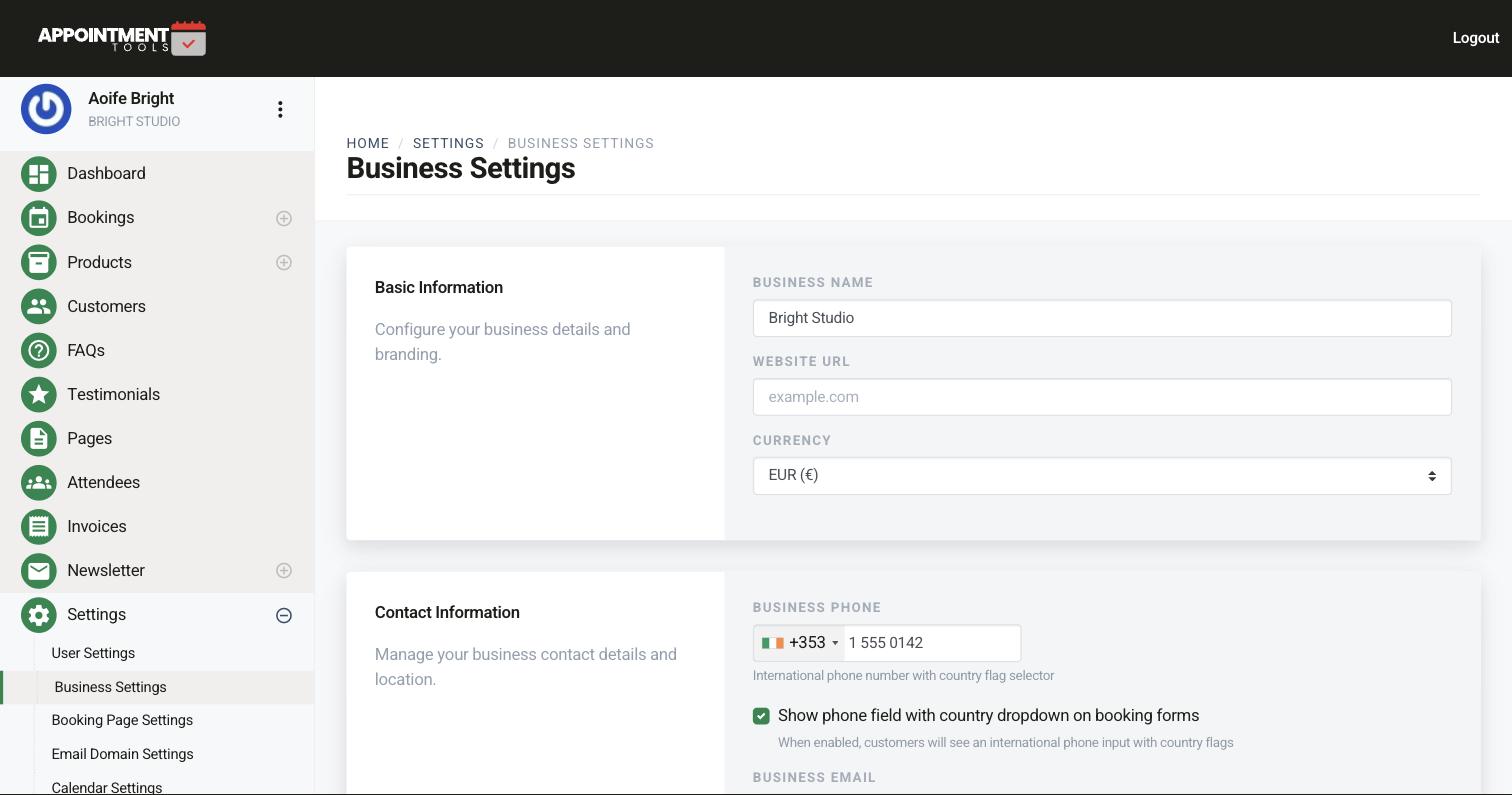
Edit your business details
Go to Settings → Business to update your business name, upload a logo and add your contact information. These details appear on your public booking page and in the emails your customers receive, so keeping them accurate helps customers recognise and trust your bookings.
Where to find it
Dashboard → Settings → BusinessYour logo
Upload a clear logo to brand your booking page and confirmation emails. A square image on a plain or transparent background usually looks best and stays crisp at small sizes.
Where to find it
Dashboard → Settings → BusinessRun more than one business?
Each business you belong to has its own separate details. Make sure you're working in the right one before editing — see Switching businesses.
Still need help?
Can't find what you're looking for? Send our support team a message and we'll reply by email.