
Switching businesses
Move between the businesses you belong to without logging out and back in.
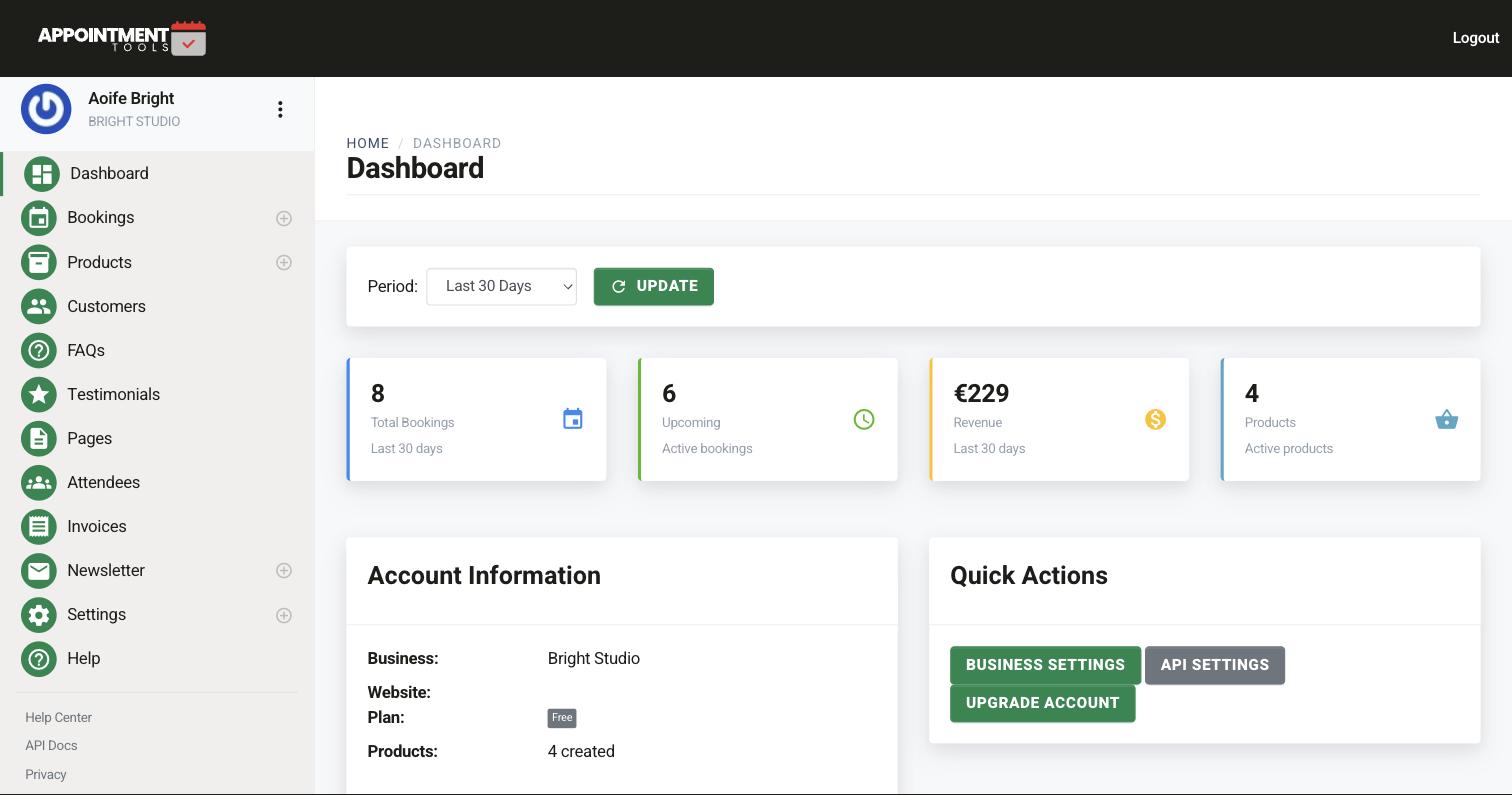
Switch the active business
The business you're currently working in is shown in the account menu at the top of the sidebar. Select it to see the other businesses you belong to, then choose the one you want. Everything in the app — bookings, products, customers and settings — updates to reflect the business you picked.
Where to find it
Sidebar → Account menu (top)Check before you make changes
Because each business keeps its bookings and settings completely separate, it's easy to make a change in the wrong place. Glance at the account menu to confirm the active business before you add a service, reply to a booking or edit any settings.
Adding another business
You can run several businesses from a single login. To create one or learn more about how they work side by side, see Create and switch between businesses.
Still need help?
Can't find what you're looking for? Send our support team a message and we'll reply by email.