
View your customers
The Customers list gathers everyone who has booked with you into one searchable place.
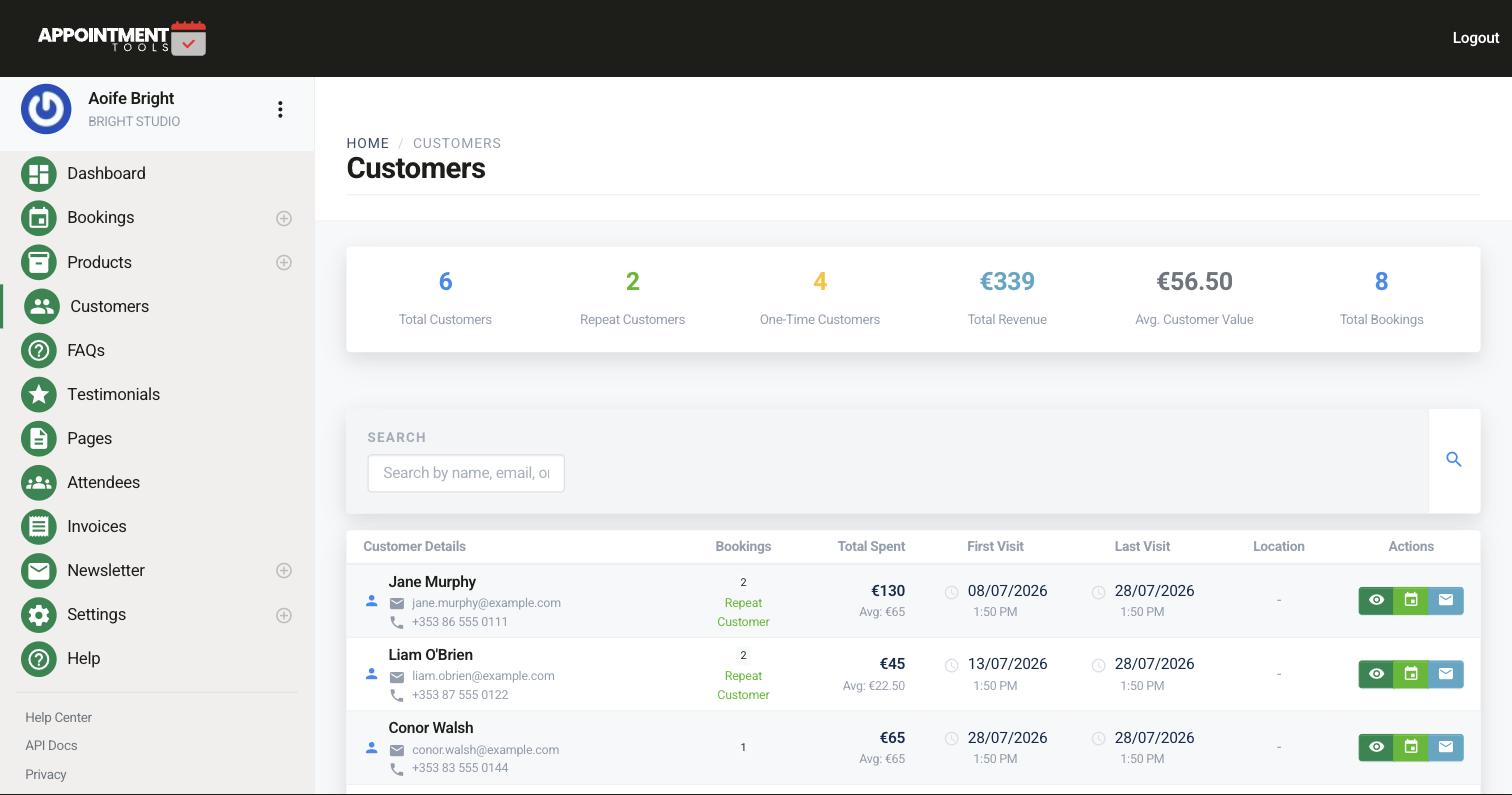
Open your customers list
Select Customers in the sidebar to see everyone who has booked with your business. Each person appears once, with their name and contact details, so you always have your customer base in one place rather than scattered across individual bookings.
Where to find it
Dashboard → CustomersSearch for someone
Use the search box to find a customer by name or email. This is the quickest way to pull up a regular before their appointment, or to check whether someone has booked with you before.
Example
/customers → search "Jane"Open a customer record
Select any customer to open their full record, where you'll find their contact details and every booking they've made with you. See Customer details and history for what's on that page.
Still need help?
Can't find what you're looking for? Send our support team a message and we'll reply by email.