
Customer details and history
Open any customer to see their contact details alongside every booking they've made with you.
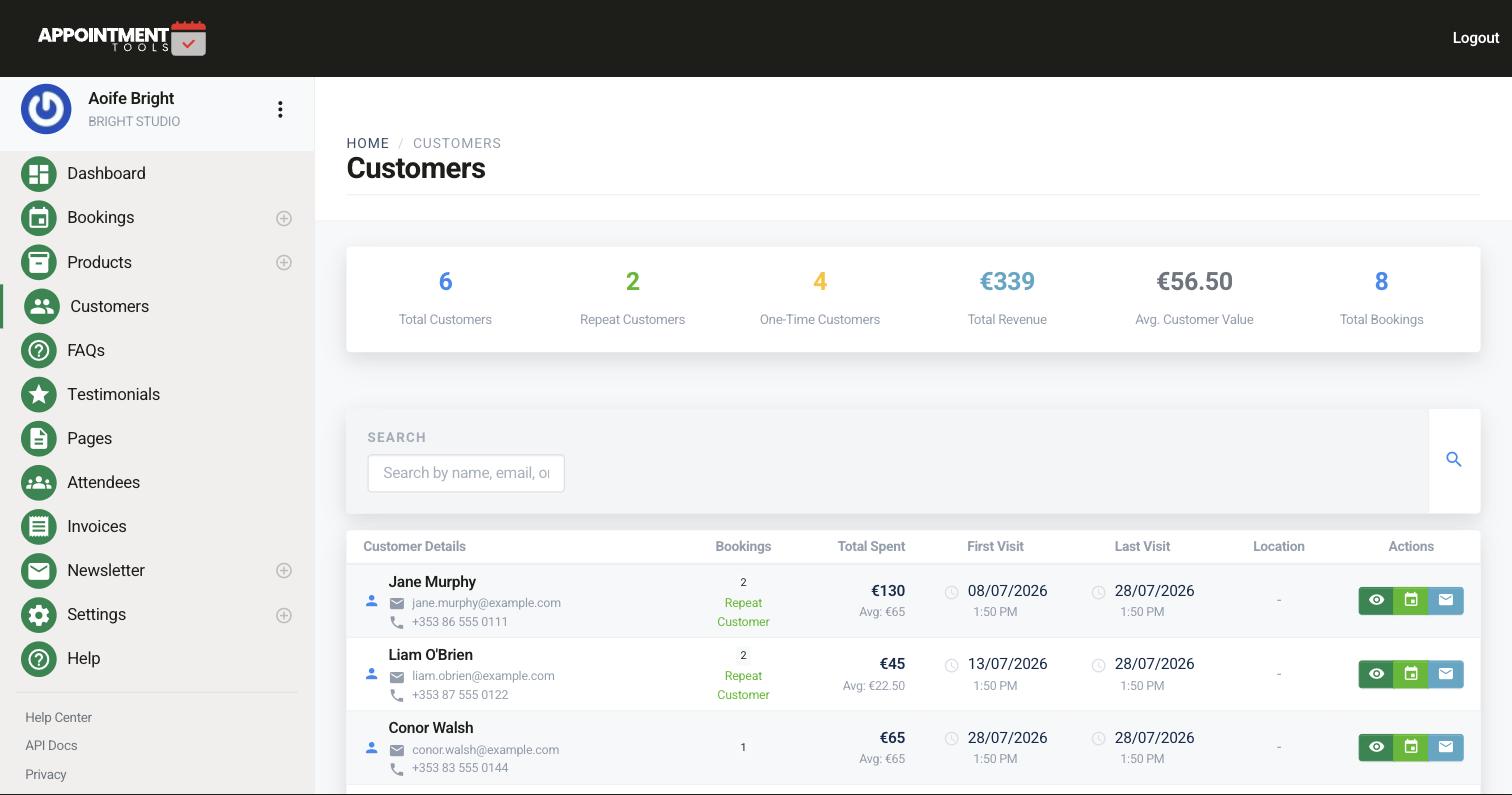
Open a customer
From the Customers list, select a person to open their record. You'll land on their profile page, which brings together who they are and everything they've booked.
Where to find it
Dashboard → Customers → (select a customer)
/customers/{id}
What's on the record
A customer record pulls together their key information so you can prepare before an appointment or follow up afterwards.
| Section | What it shows |
|---|---|
| Contact details | Name, email and phone number captured when they booked. |
| Upcoming bookings | Appointments they have coming up with you. |
| Past bookings | A history of appointments they've already attended. |
Example
Jane Doe
[email protected] · 07700 900123
3 past · 1 upcoming
Jump to a booking
Select any booking in the customer's history to open its full details — service, time and payment status. For more on that page, see Booking details. To find a customer quickly, see View your customers.
Still need help?
Can't find what you're looking for? Send our support team a message and we'll reply by email.