
Using the Appointment Tools API
Appointment Tools has a full REST API so you or your developer can build custom integrations or your own mobile app on top of your account.
What you can build
The API lets software read and manage your bookings, customers, products and more — perfect for connecting Appointment Tools to another tool you use, or powering a bespoke app. It's a job for a developer, but you don't need to be one to get things moving: you create the keys, they do the building.
Start with the API reference, then the getting started guide, authentication, and webhooks.
Developer docs
/api                 Reference
/api/getting-started Getting started
/api/authentication  Authentication
/api/webhooks        Webhooks
Getting your API keys
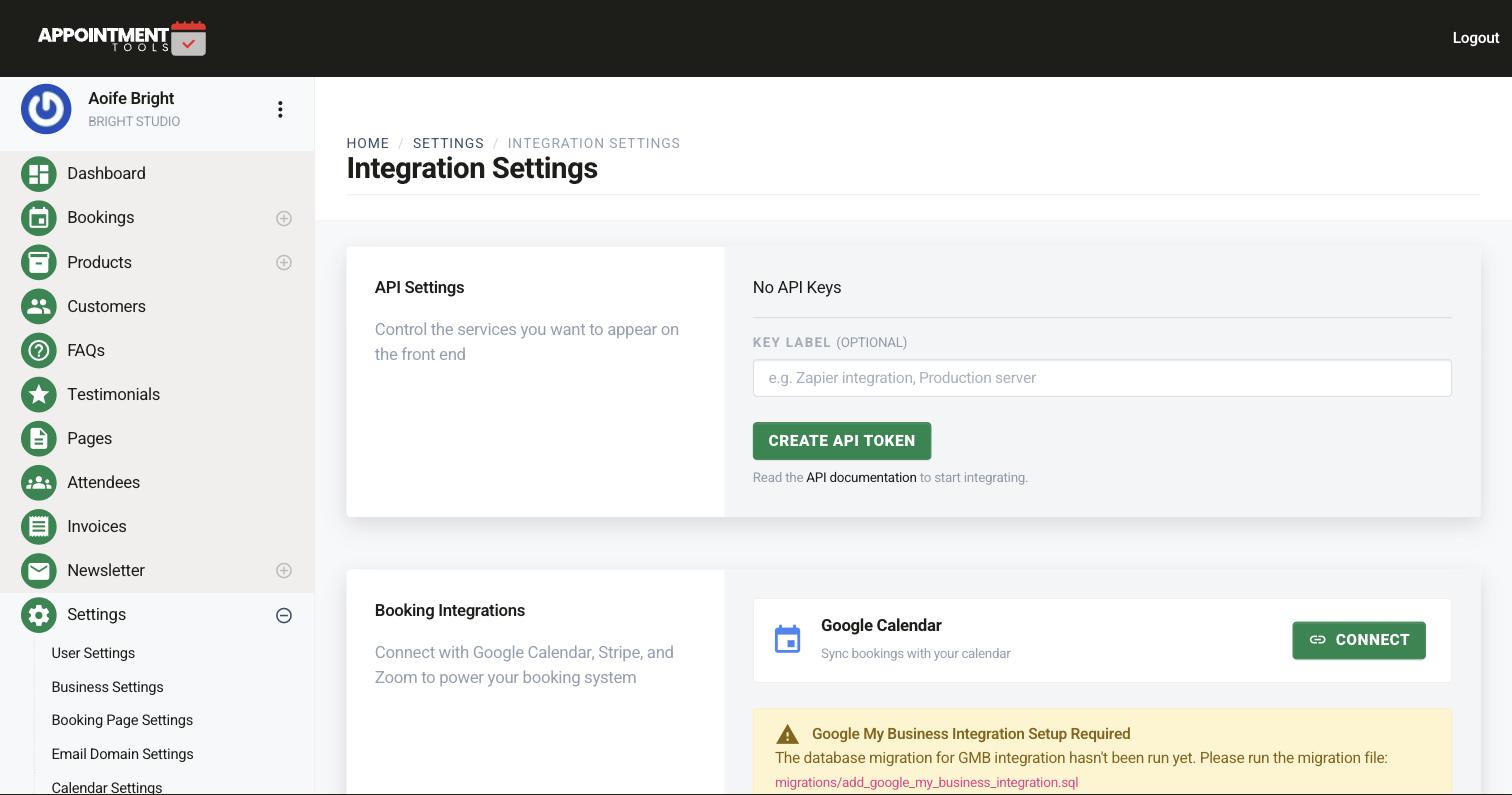
Access to the API is controlled by API keys, which you create in Settings → Integration. Create a key, hand it to your developer, and delete it if it's ever no longer needed. For the full walkthrough, see API access and webhooks.
Still need help?
Can't find what you're looking for? Send our support team a message and we'll reply by email.