
API access and webhooks
Give a developer programmatic access to your account with API tokens, and get notified of events like new bookings using webhooks.
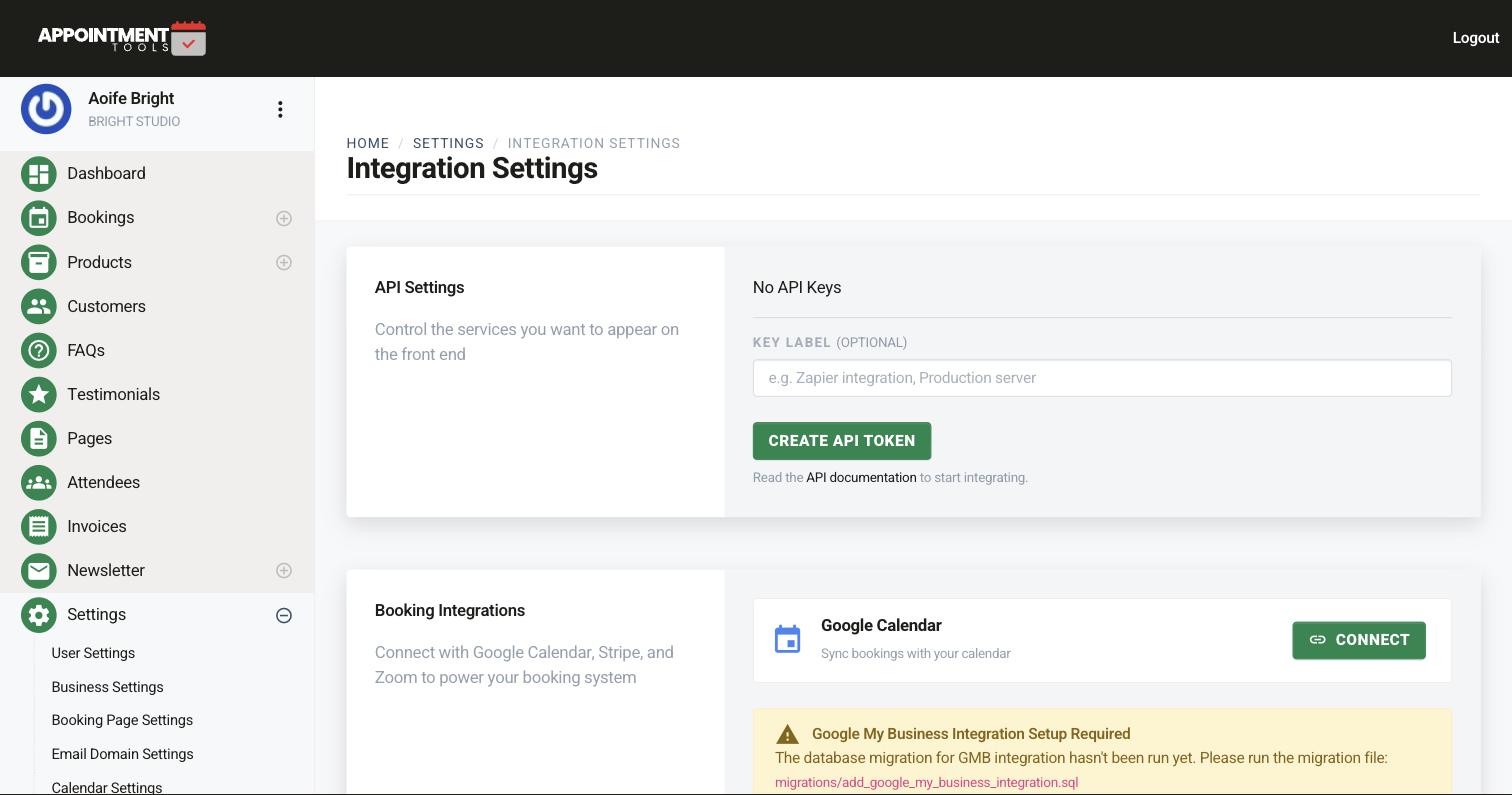
Create an API token
This is a feature for developers. Go to Settings → Integration to create an API token — this is the secret key your developer or software uses to identify your account when calling the API. You can create tokens and delete any you no longer need.
- Open Settings → Integration.
- Select Create API token.
- Copy the token somewhere safe — treat it like a password.
Where to find it
Dashboard → Settings → Integration
Create / delete API token
Use the token with the REST API
Your developer uses the token with our REST API to read and manage your data — bookings, customers, products and more — from their own software. The full reference is in the API documentation. For a friendlier overview, see Using the Appointment Tools API.
Subscribe to webhooks
Webhooks let another system be notified the moment something happens in your account — for example, when a new booking comes in — without having to keep checking. Your developer registers a URL to receive these events. See the webhooks guide for the full list of events and setup steps.
Still need help?
Can't find what you're looking for? Send our support team a message and we'll reply by email.