
Create your account
Sign up for a free account to start taking bookings — creating an account also sets up your first business automatically.
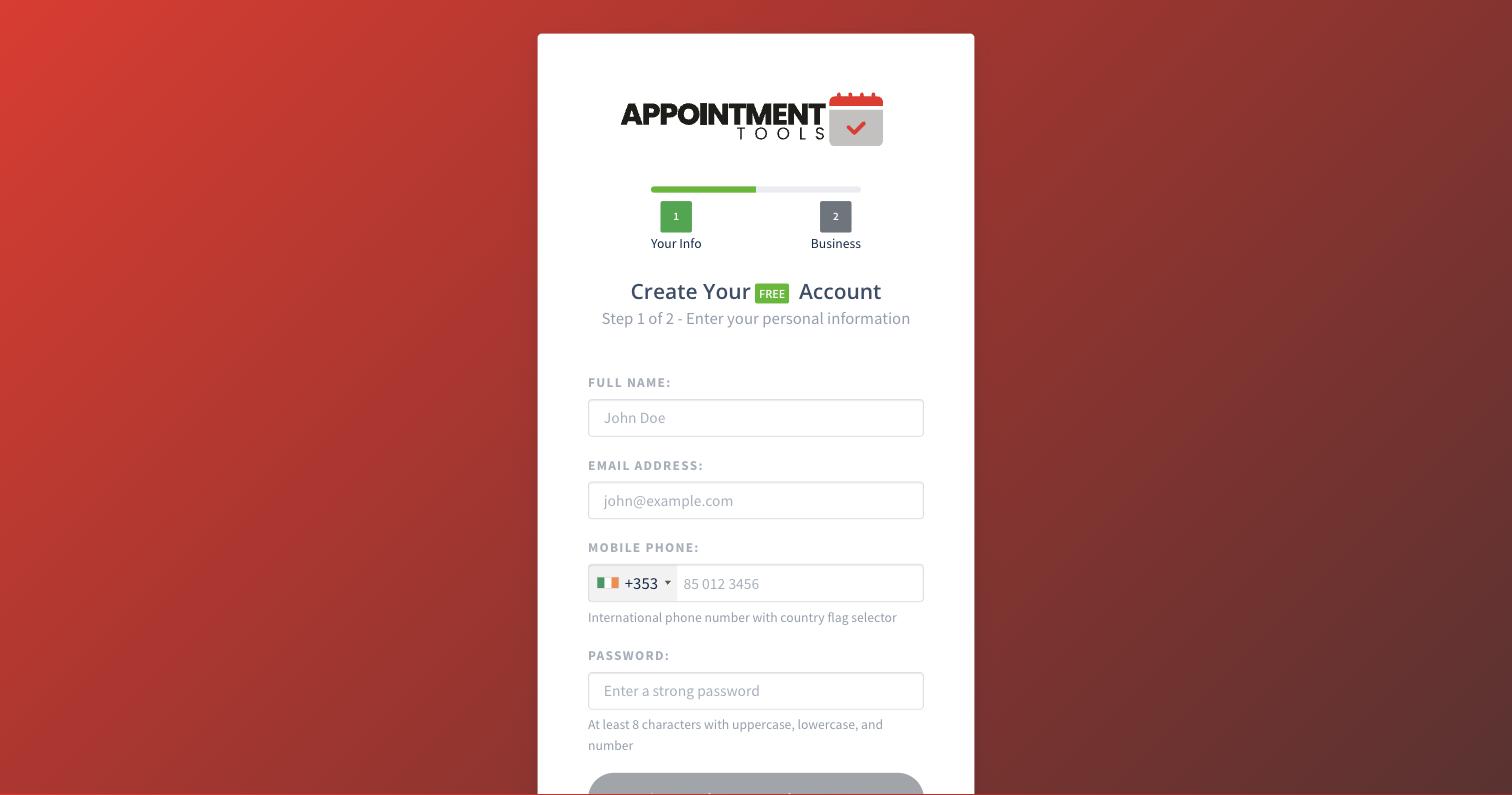
Sign up
Head to the sign-up page and enter your name, email address and a password. When you submit the form, we create your account and your first business at the same time, so you're ready to start setting things up right away.
- Go to the sign-up page.
- Enter your name, email address and a password.
- Select Create account.
Where to find it
/registerWhat happens next
Signing up is free — you can explore the app and take your first bookings on the free tier. After you submit the form, we send a verification email to the address you used. You'll need to confirm it before you can log in.
Tip. Use a business email you check regularly — booking notifications and account emails are sent there too.
Next steps
Once your account exists, there are two things to do:
- Verify your email address so you can log in.
- Set up your business — add your details and design your booking page.
Still need help?
Can't find what you're looking for? Send our support team a message and we'll reply by email.