
Set up your business
Complete your business profile and design your public booking page so customers know who they're booking with.
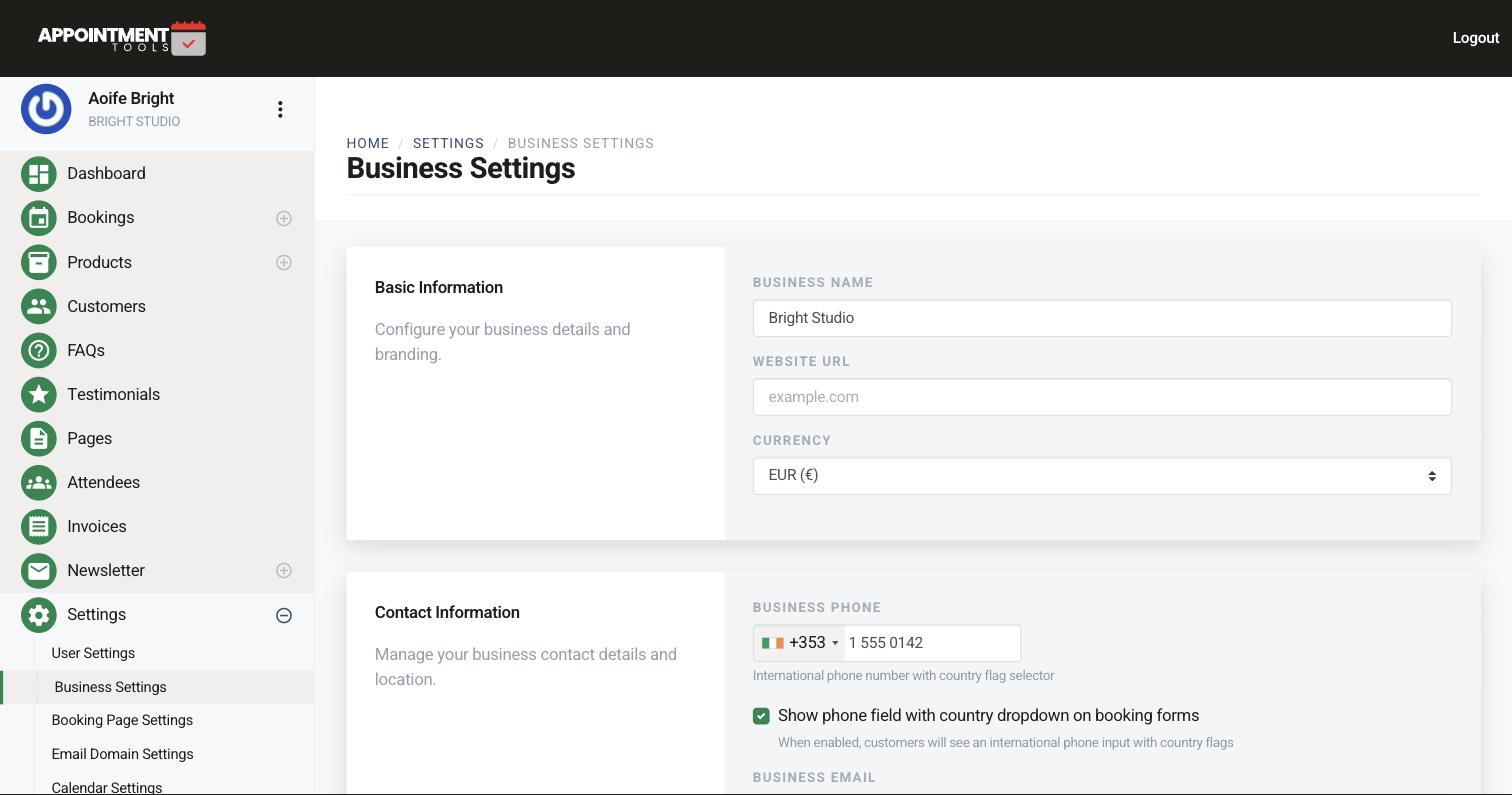
Add your business details
Open Settings → Business to fill in your business name, upload a logo and add your contact details. These details appear on your booking page and on the confirmation emails your customers receive.
Where to find it
Dashboard → Settings → BusinessDesign your booking page
Head to Settings → Booking Page to control how your public page looks and reads. This is where you shape the first impression customers get before they book.
Where to find it
Dashboard → Settings → Booking PageYour public booking page
Once set up, your public booking page lives at your own web address using your business slug. Share this link anywhere — your website, social media or email signature — so customers can book directly.
Your page lives at
/{your-slug}Next steps
With your profile in place, you're ready to:
- Create a service customers can book.
- Fine-tune your public booking page.
Still need help?
Can't find what you're looking for? Send our support team a message and we'll reply by email.