
Google Meet
Run appointments online with a Google Meet video link created automatically for every online booking.
How it works
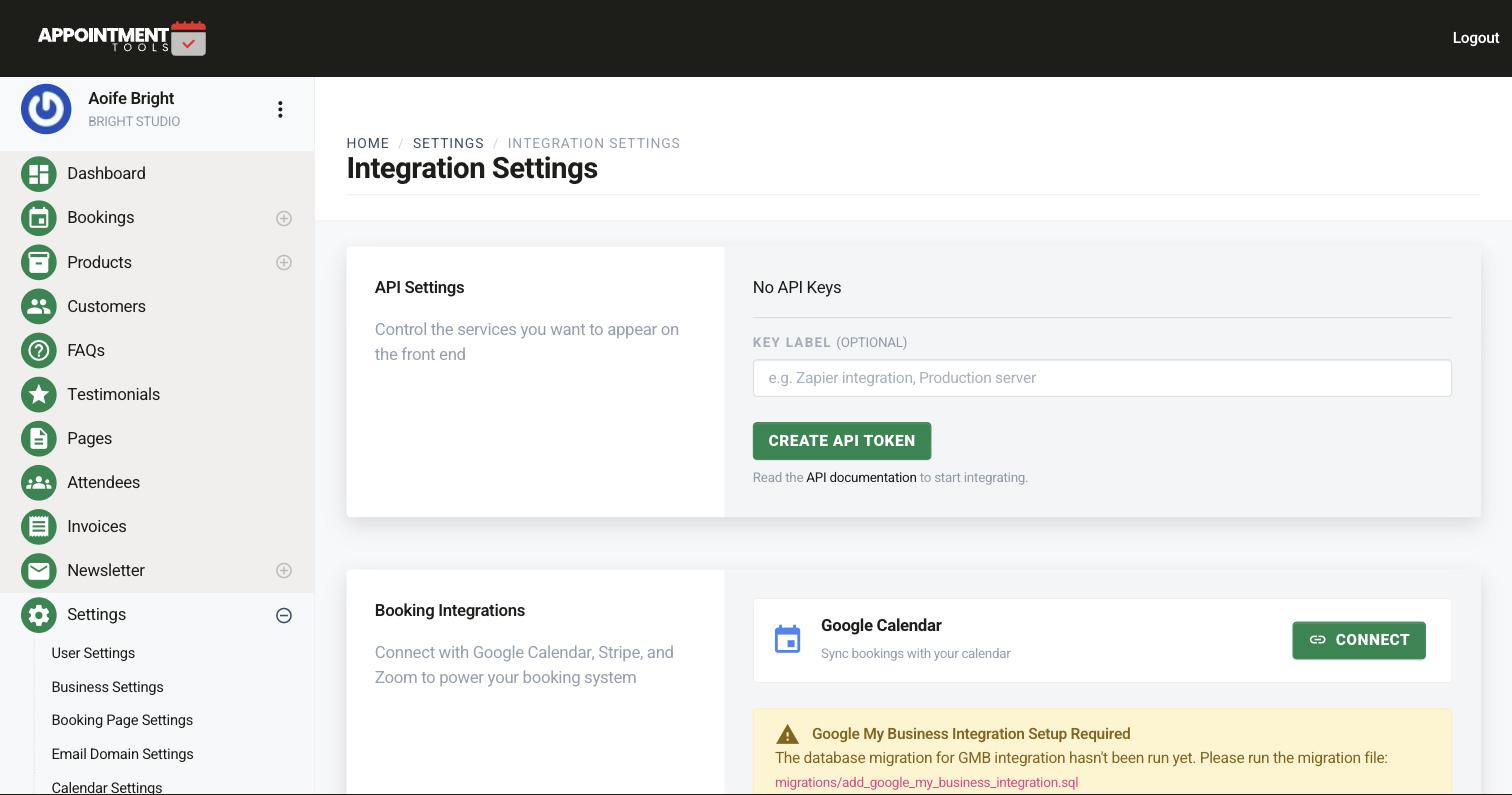
Google Meet links come from your Google Calendar connection — there's nothing separate to switch on. Once you've connected Google Calendar, any booking for an online appointment gets a unique Google Meet link generated for it automatically.
Where to find it
Dashboard → Settings → Integration → GoogleThe link reaches your customer
The Google Meet link is included in the booking confirmation, so your customer receives it as soon as they book and can join at the appointed time. The same link appears on the calendar event, so you're both working from one place.
Tip. No Google Meet links appearing? Check that Google Calendar is still connected under Settings → Integration — the two go together.
Still need help?
Can't find what you're looking for? Send our support team a message and we'll reply by email.