
Add-to-calendar (.ics) downloads
Every confirmed booking comes with a calendar file, so you and your customer can drop it straight into any calendar app.
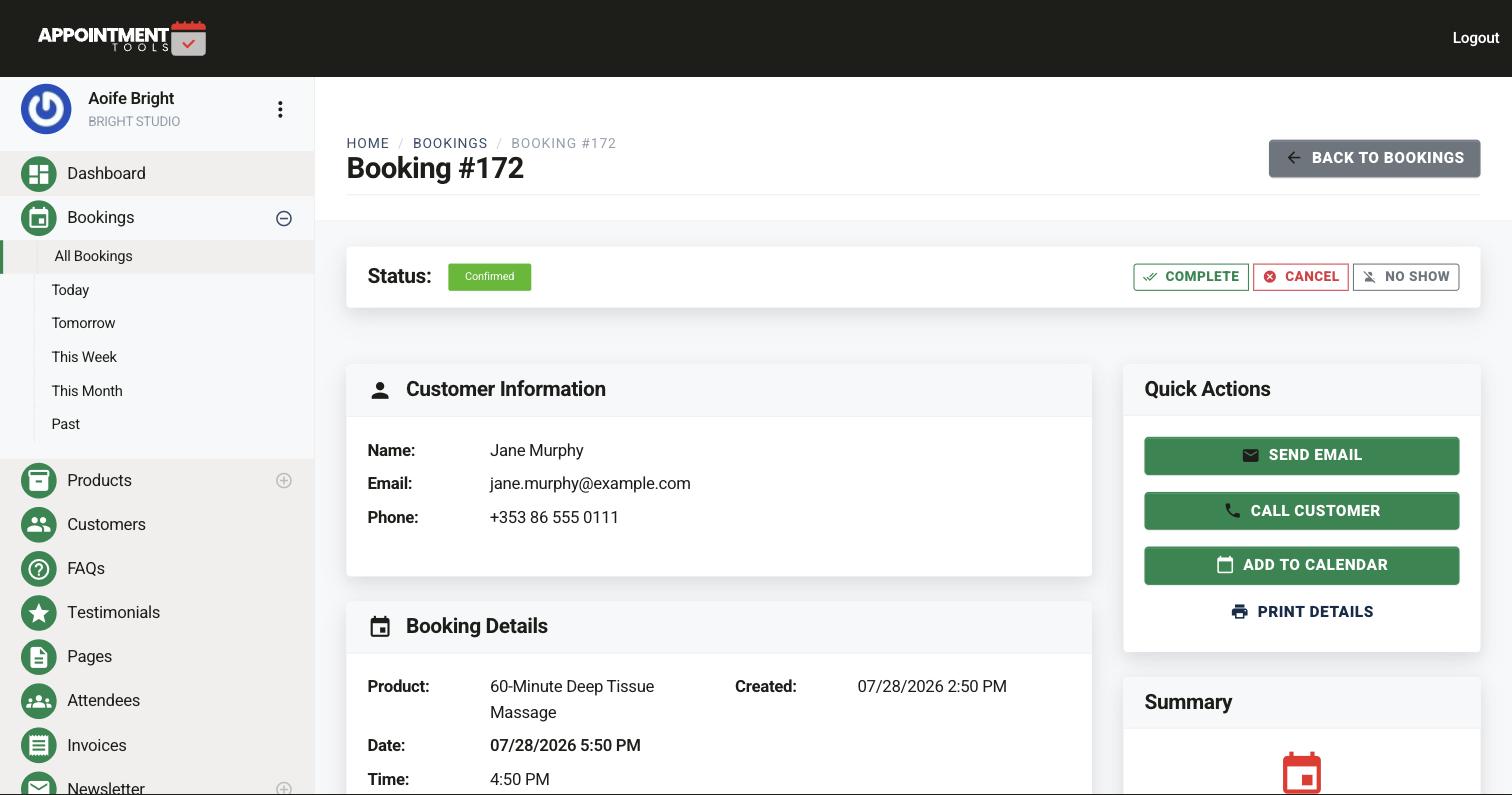
Download the calendar file
When a booking is confirmed, we generate a standard calendar file (.ics) for it. Downloading and opening this file adds the appointment — with its date, time and details — to whichever calendar app you use, whether that's Apple Calendar, Outlook or Google Calendar.
Download link
/calendar/download/{booking_id}For you and your customers
The same calendar file works for everyone involved. Customers get it with their booking confirmation so they don't forget the appointment, and you can add it to your own calendar to keep your day organised.
Prefer it automatic?
If you connect Google Calendar, you can skip the download step entirely — new bookings are added to your calendar automatically as they come in.
Still need help?
Can't find what you're looking for? Send our support team a message and we'll reply by email.