
Your public booking page
This is the page your customers use to book with you — here's where it lives and how to make it shine.
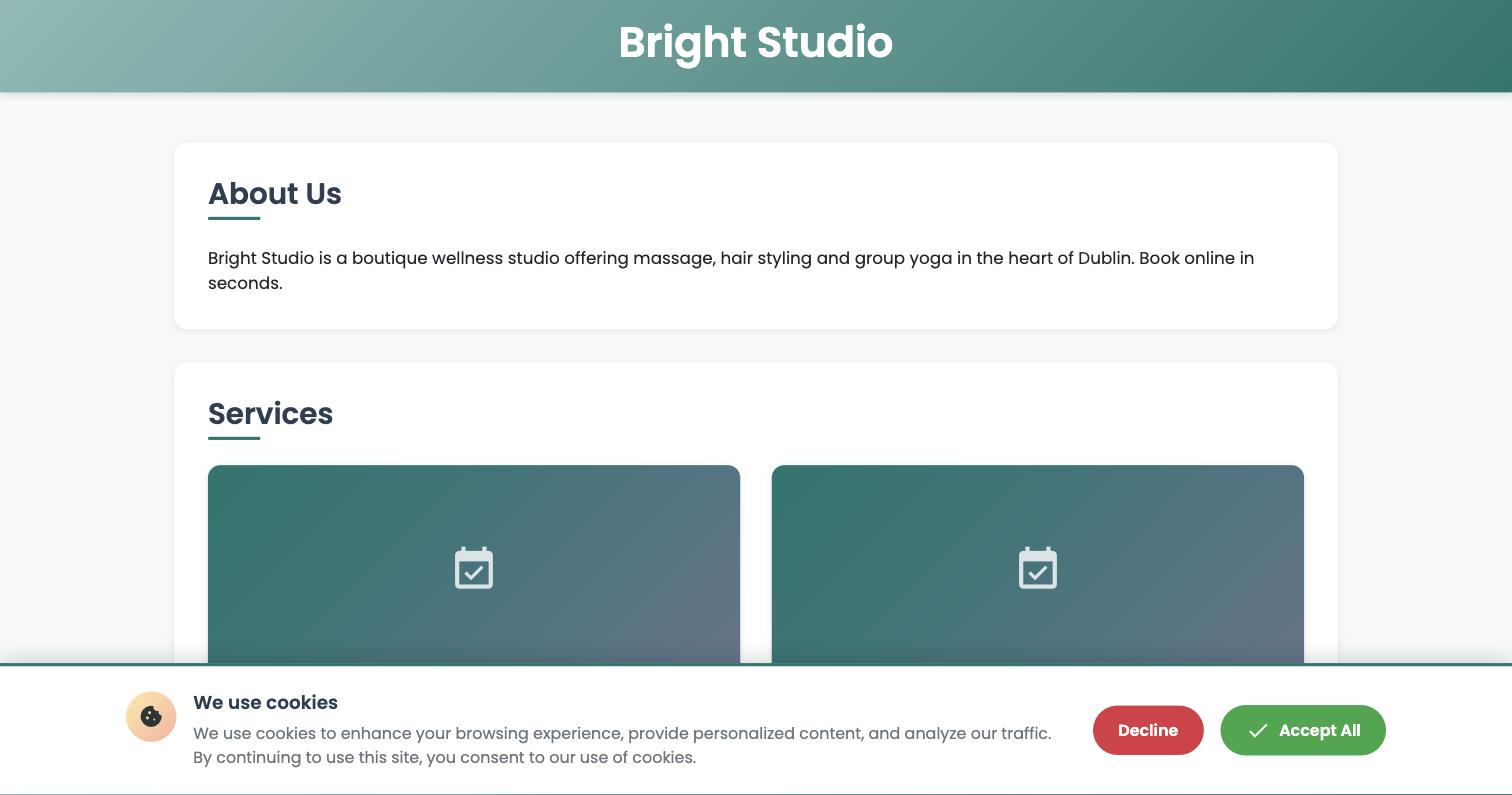
Where your page lives
Your public booking page has its own web address based on your business slug. Each individual service also has its own direct link, so you can point customers straight to a specific booking.
Your addresses
Main page: /{your-slug}
Service:   /book/{product}
Configure its appearance
Control how the page looks and reads in Settings → Booking Page. This is your shopfront, so it's worth taking a few minutes to get the branding and wording right.
Where to find it
Dashboard → Settings → Booking PageBuild trust
Add FAQs and testimonials to your page to answer common questions and reassure first-time customers. A little social proof and clarity up front helps more visitors go on to book.
Related
New here? Start with Set up your business to add your details and logo first.
Still need help?
Can't find what you're looking for? Send our support team a message and we'll reply by email.