
Change or cancel your plan
Move up or down a plan, update your payment details, or cancel your subscription — all from your subscription settings.
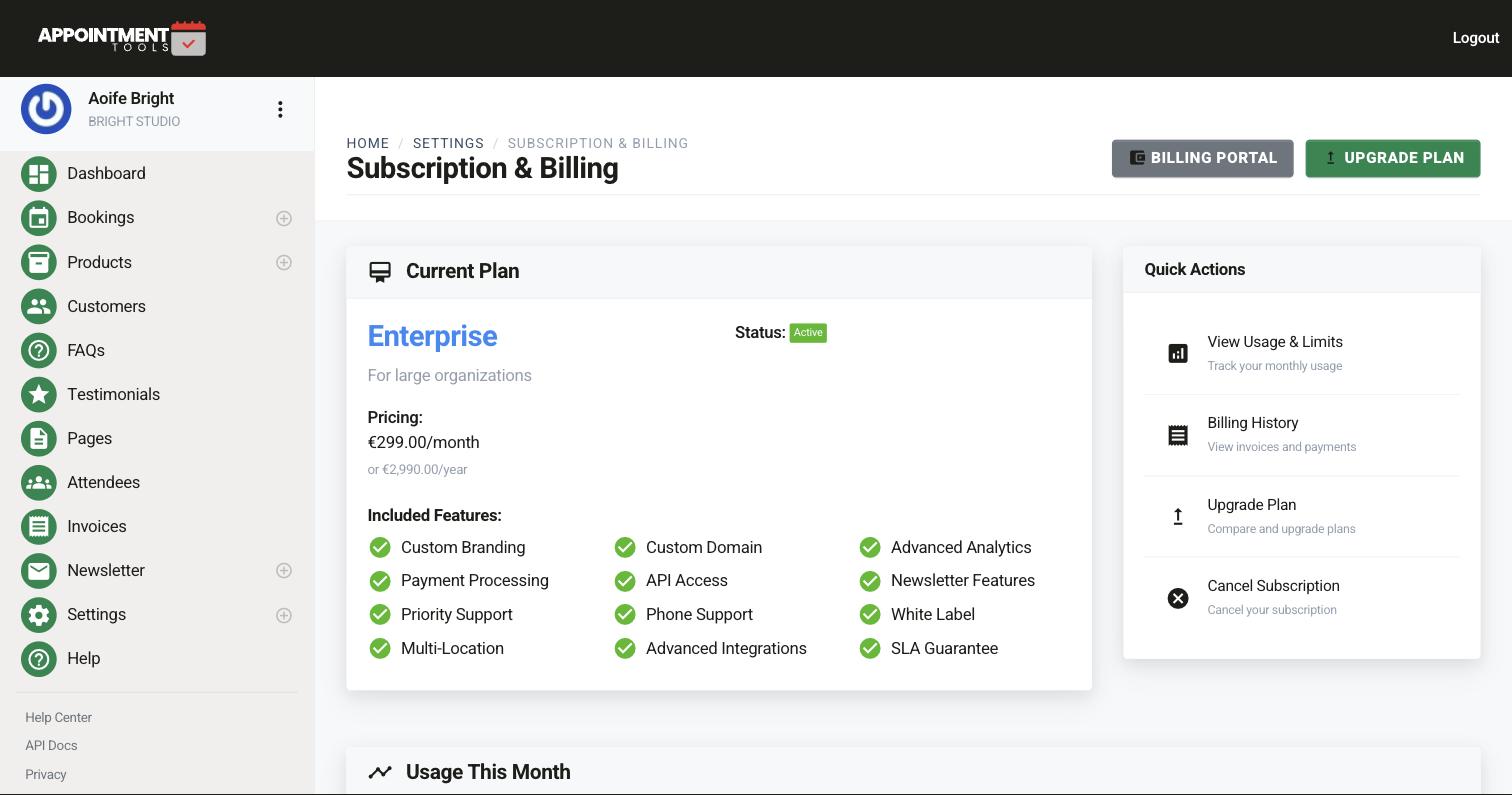
Upgrade or downgrade
Open Settings → Subscription to switch plans. Upgrading gives you more room and unlocks extra features; downgrading moves you to a smaller plan. A downgrade may ask you to confirm if you're currently over the new plan's limits — for example, if you have more services than the smaller plan allows.
Where to find it
Dashboard → Settings → SubscriptionUpdate your payment details
Manage your card and billing details through the Stripe billing portal, opened from your subscription settings. The portal is where you update your payment method and view your billing history securely.
Where to find it
Settings → Subscription → Billing portalCancel your subscription
If you no longer need the app, you can cancel from your subscription settings. To understand what you'd lose by moving to a smaller plan or cancelling, see Usage, limits and upgrading.
Still need help?
Can't find what you're looking for? Send our support team a message and we'll reply by email.