
Usage, limits and upgrading
Every plan has limits and unlocks different features. Here's how to check what you're using and move to a bigger plan when you need to.
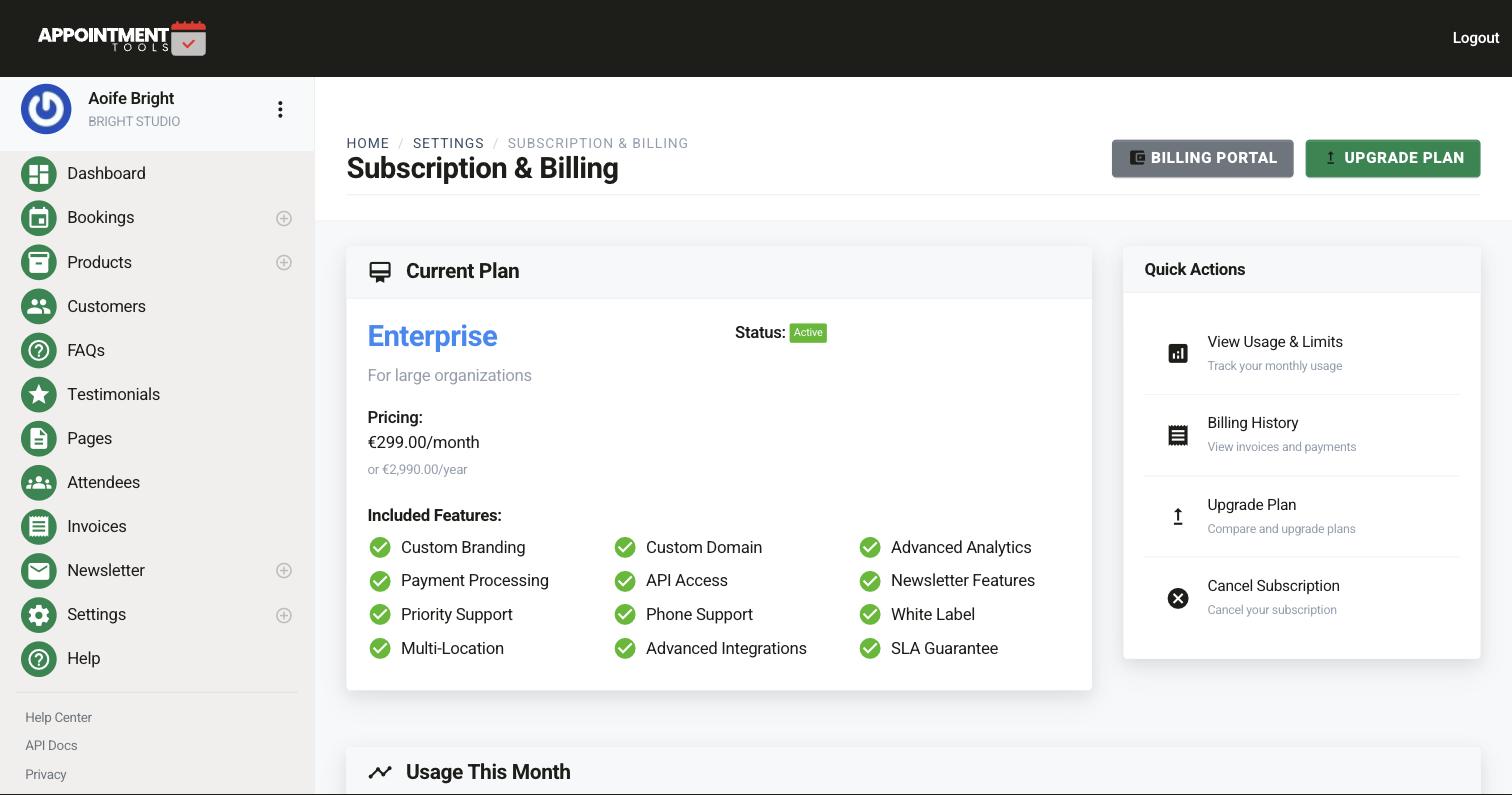
Check your usage
Open your subscription usage page to see how much of your plan you're using — for example, how many services you've created against the number your plan allows. It's the quickest way to spot when you're approaching a limit.
Where to find it
Dashboard → Settings → Subscription → UsageUpgrade when you hit a limit
If you reach a plan limit — or want a feature that isn't on your current plan — upgrade from the upgrade page. Choose the plan that fits and your new limits and features apply straight away.
Where to find it
Dashboard → Settings → UpgradeWhat paid plans unlock
Some features are only available on paid plans. Upgrading turns on:
| Feature | What it does |
|---|---|
| Coupons & reports | Discount codes and their performance |
| Newsletter | Email campaigns to your customers |
| VAT | Tax on bookings and invoices |
| AI Chatbot | Automated answers for your customers |
| Events / QR check-in | Ticketed events and attendee check-in |
| API access & webhooks | Connect the app to your own systems |
To review your current plan, see Your subscription and plan. To change or stop it, see Change or cancel your plan.
Still need help?
Can't find what you're looking for? Send our support team a message and we'll reply by email.