
Payment settings
Decide how customers pay when they book — in full, with a deposit, or on arrival.
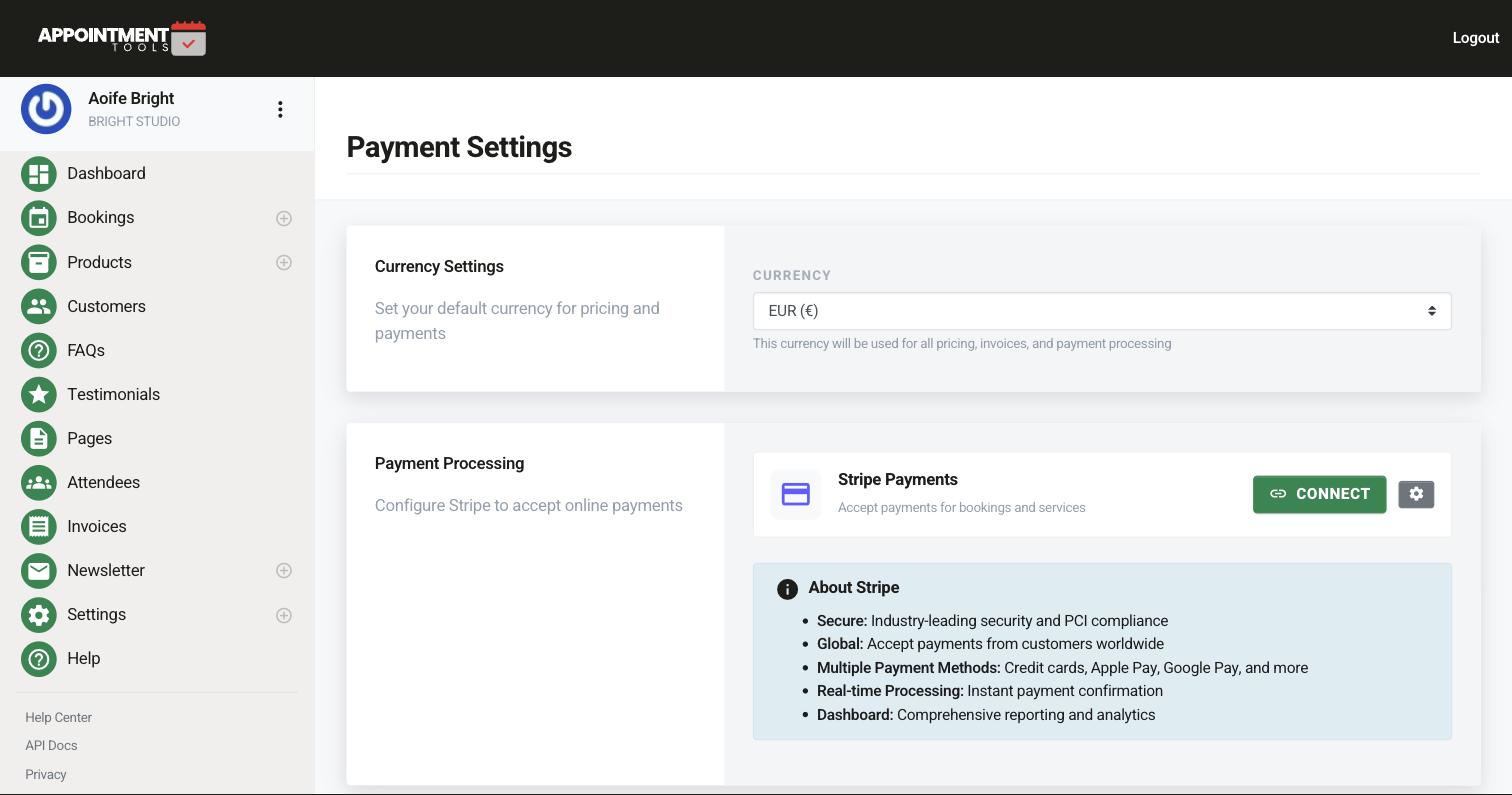
Pick your payment method
Open Settings → Payment and choose the option that suits your business:
- Pay in full — the customer pays the whole amount at the time of booking.
- Pay a deposit — the customer pays part now to secure the slot and settles the rest later.
- Pay on arrival — no card payment is taken online; the customer pays you in person.
The setting applies to your bookings, so choose the one that fits how you run things.
Where to find it
Dashboard → Settings → PaymentBefore you start
To take payment in full or a deposit online, you need Stripe connected first — see Connect Stripe to take payments. Pay on arrival works without Stripe, since no card is charged online.
Tip. Deposits are a good middle ground — they reduce no-shows while keeping the upfront cost low for the customer.
Still need help?
Can't find what you're looking for? Send our support team a message and we'll reply by email.