
Connect Stripe to take payments
Payments run through Stripe. Connect your Stripe account once and customers can pay when they book.
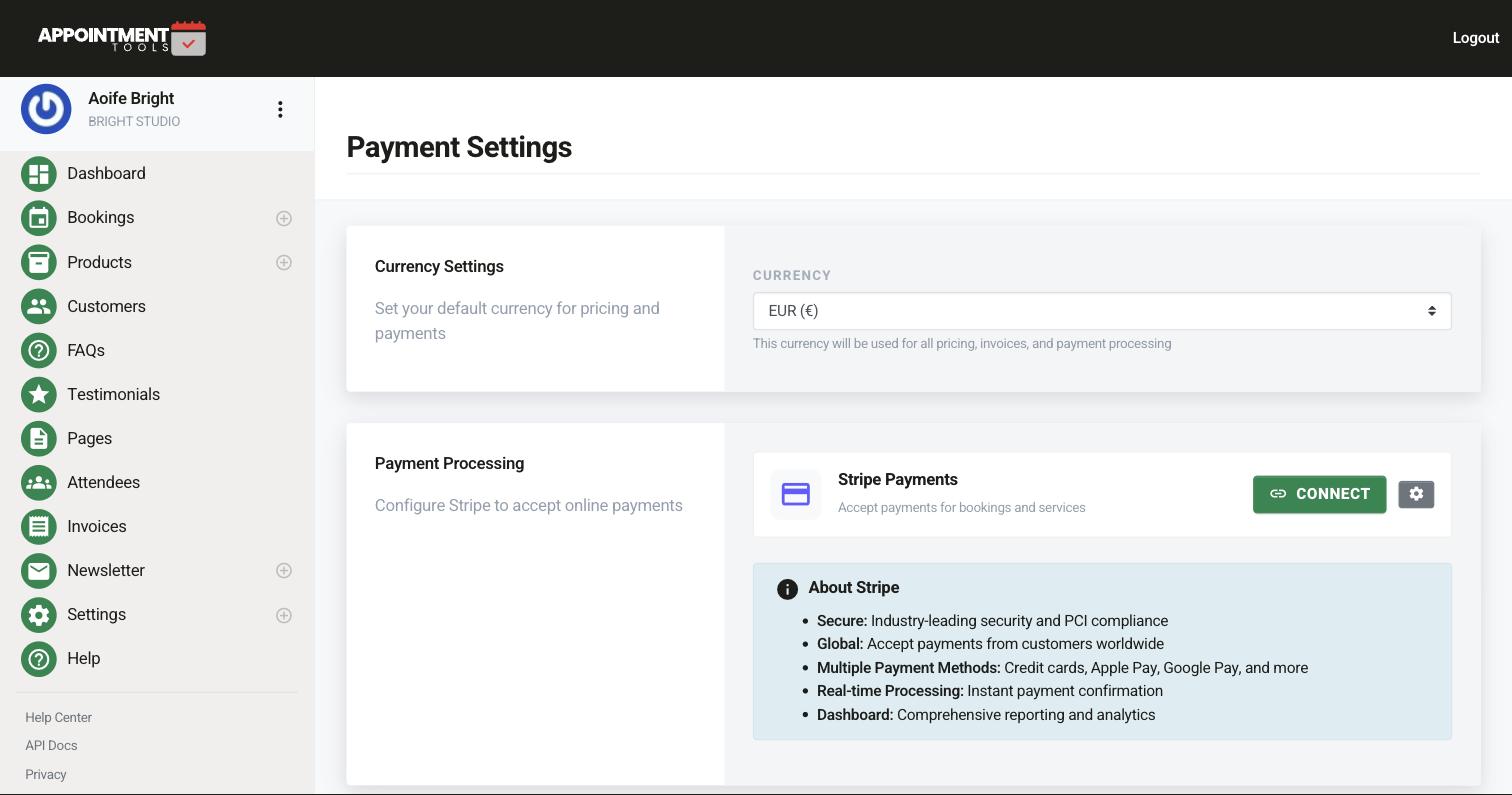
Connect your account
Go to Settings → Integration (also reachable from Settings → Payment) and start the Stripe connection. You'll be taken to Stripe to sign in or create an account, then returned to the app once it's linked. If you already have a Stripe account, use it — there's no need to create a new one.
Where to find it
Dashboard → Settings → IntegrationWhat connecting does
Once Stripe is connected, a payment step appears during booking so customers can pay by card. Money is collected by Stripe and paid out to your bank account according to your Stripe settings. For more on the connection itself, see Stripe Connect.
After connecting
Booking page → Checkout → Pay by cardChoose how customers pay
With Stripe connected, you can decide whether customers pay in full, pay a deposit, or pay on arrival. Set this in Payment settings.
Still need help?
Can't find what you're looking for? Send our support team a message and we'll reply by email.