
Coupons
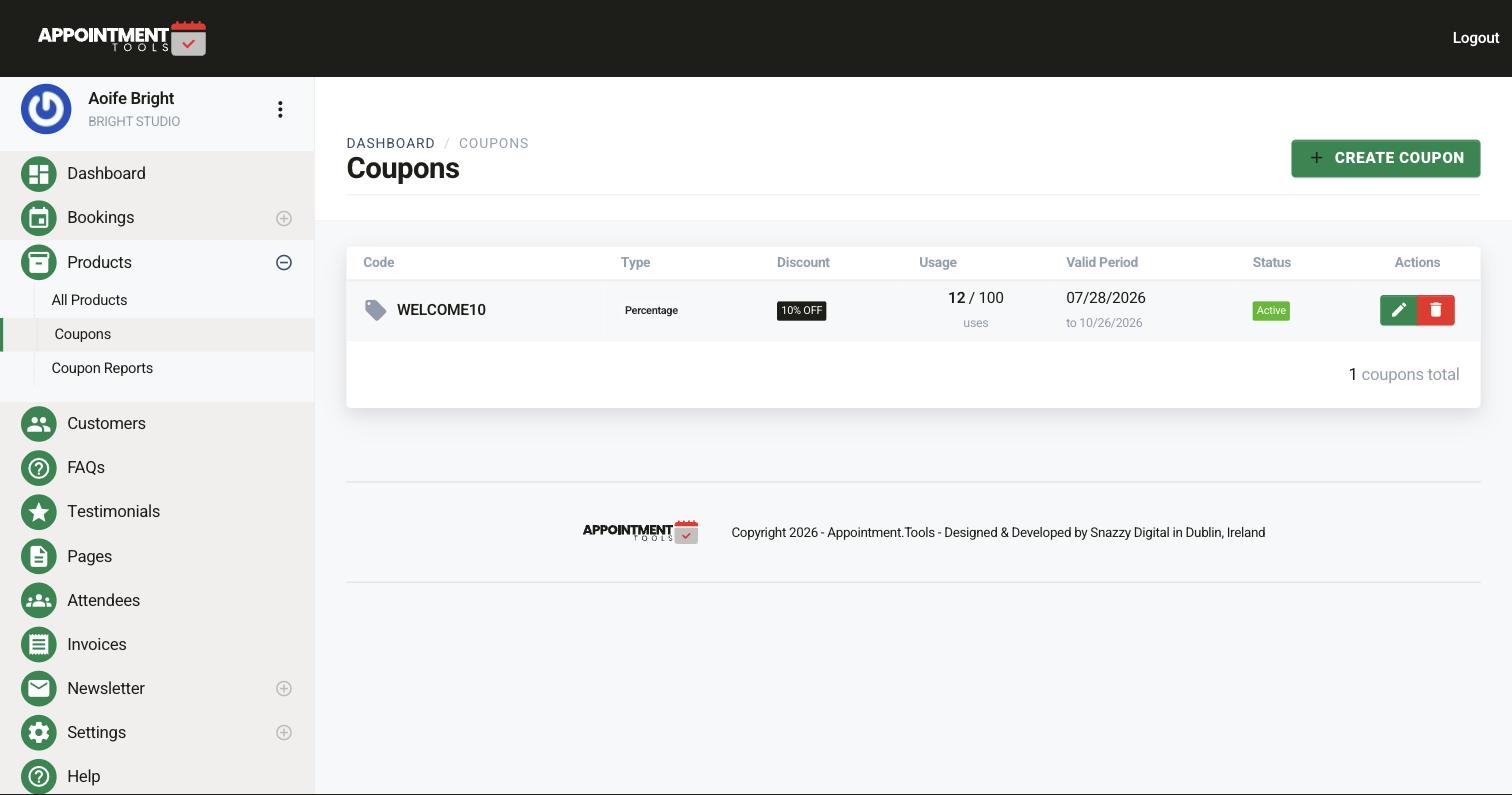
Create discount codes that customers enter at checkout to get money off their booking.
Plan required. Coupons are available on paid plans. See Usage & upgrades.
Create a discount code
Open Coupons in the left sidebar and choose Create. Give the coupon a code customers will type — something short and memorable like SUMMER10 — and set the discount it applies. Save it and the code is live.
Where to find it
Dashboard → Coupons → CreateHow customers use it
When a customer books, they enter the code at checkout and the discount is applied to their total before payment. Share codes however you like — email, social media, or on flyers — and only customers with the code get the discount.
Customer flow
Booking page → Checkout → Enter codeSee how they're doing
To track how often each code is used and how much it has discounted, see Coupon reports.
Tip. Use distinct codes for different campaigns so you can tell at a glance which promotion is bringing in bookings.
Still need help?
Can't find what you're looking for? Send our support team a message and we'll reply by email.