
Add FAQs
Answer the questions customers ask most often, right on your booking page, so they can book with confidence.
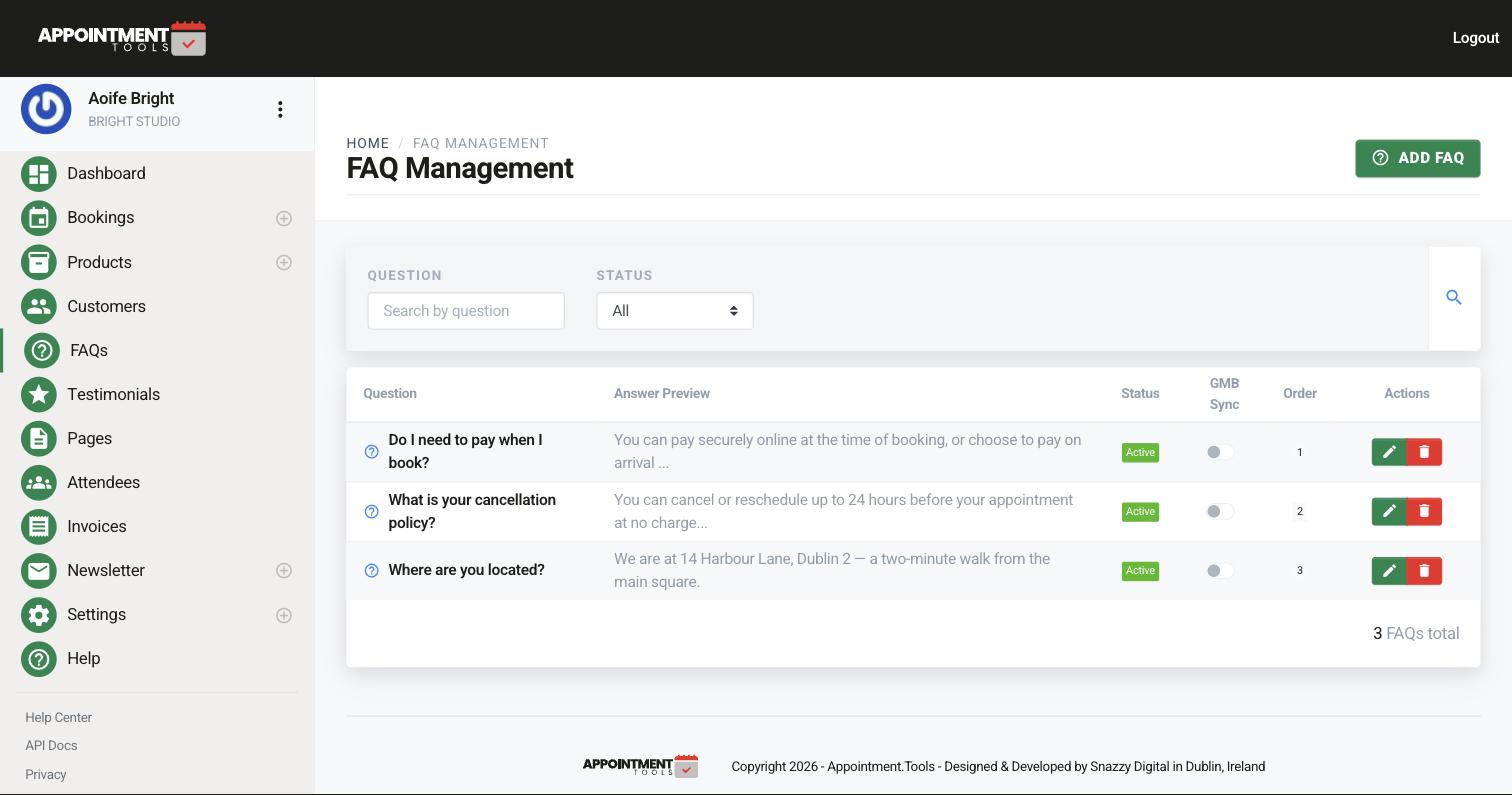
Manage your FAQs
Open the FAQs page to add, edit and remove the questions and answers shown on your booking page. Each FAQ is a short question with a helpful answer — think of the things people email or message you about before they commit.
Where to find it
Dashboard → FAQs
/faqs
What makes a good FAQ
Keep questions in the customer's own words and answers short and clear. A handful of well-chosen FAQs removes doubt and cuts down on back-and-forth before a booking.
| Question | Answer covers |
|---|---|
| Do you offer parking? | Where to park and any charges. |
| What's your cancellation policy? | How much notice you need. |
| How should I prepare? | Anything to bring or do beforehand. |
Example
Q: Where are you based?
A: 12 High Street, right by the station.
Where FAQs appear
Your FAQs show on your public booking page at /{your-slug}, so customers can read them as they decide to book. Pair them with testimonials to build even more trust.
Still need help?
Can't find what you're looking for? Send our support team a message and we'll reply by email.