
Add testimonials
Show off happy customers' reviews on your booking page to build trust and win more bookings.
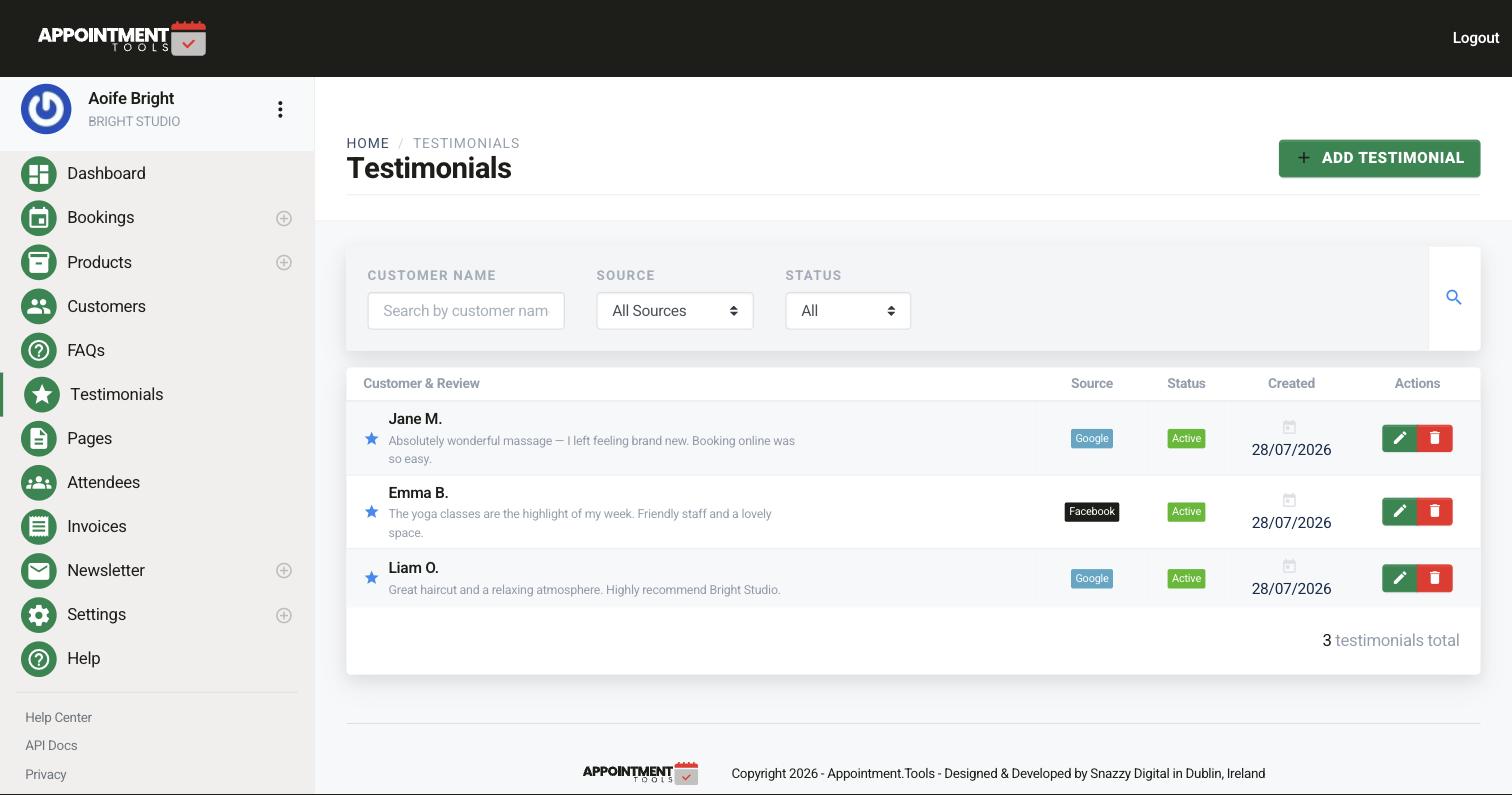
Manage your testimonials
Open the Testimonials page to see the reviews on your booking page, and add a new one at Testimonials → Add. Enter the customer's words, who they are, and where the review came from.
Where to find it
Dashboard → Testimonials  (/testimonials)
Add a review           (/testimonials/add)
Where reviews can come from
You can add reviews collected across the places customers already leave feedback, then feature the best of them on your own booking page.
| Source |
|---|
| TrustPilot |
Example
"Brilliant service, booked again already."
— Sam R. · Google
Why testimonials help
Social proof reassures new customers that they're in safe hands. A few genuine, specific reviews on your booking page often make the difference between someone browsing and someone booking.
Tip. Keep testimonials fresh by adding new ones as they come in, and pair them with clear FAQs so customers have both reassurance and answers.
Still need help?
Can't find what you're looking for? Send our support team a message and we'll reply by email.