
Choose an AI provider
Pick the AI model that powers your booking assistant — Claude, OpenAI or Google — from your chatbot settings.
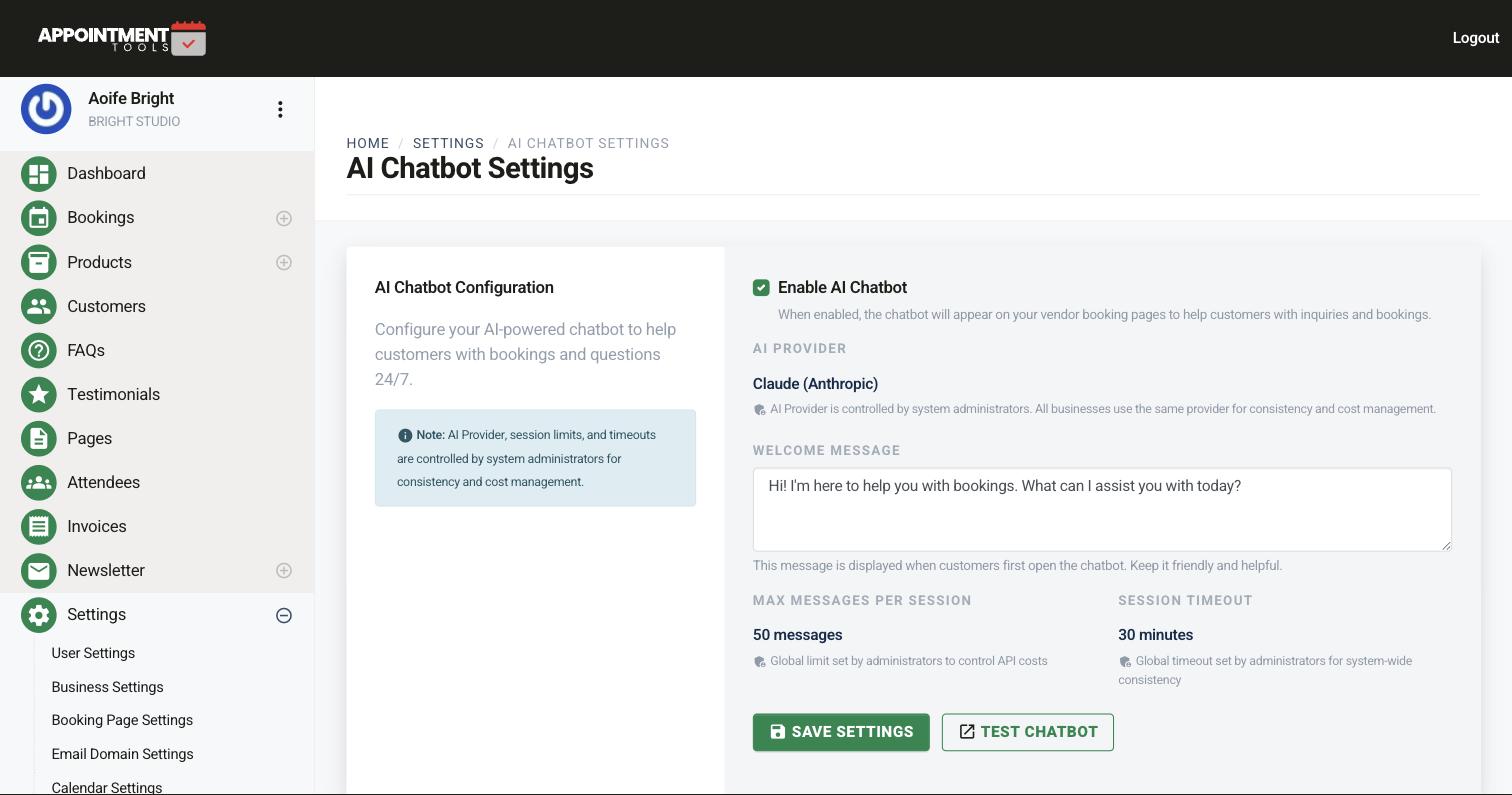
Select your provider
Open Settings → AI Chatbot and choose which provider powers the assistant. You can pick from the providers available to your account and switch between them whenever you like.
Where to find it
Dashboard → Settings → AI ChatbotYour options
All three power the same booking assistant — the difference is the underlying model. Any one of them works well for helping customers book.
| Provider | Model |
|---|---|
| Claude | Anthropic |
| OpenAI | GPT models |
| Google AI |
Which should you choose?
There's no wrong answer — each provider gives your customers a capable, conversational assistant. If you're unsure, start with the default, see how it handles real questions, and try another later if you'd like a different feel. Switching is simply a matter of changing the setting.
Change it any time
Settings → AI Chatbot → ProviderStill need help?
Can't find what you're looking for? Send our support team a message and we'll reply by email.