
Campaigns and history
Review the newsletters you've sent and keep a full record of your sending history, so you can see what you've shared and how it went.
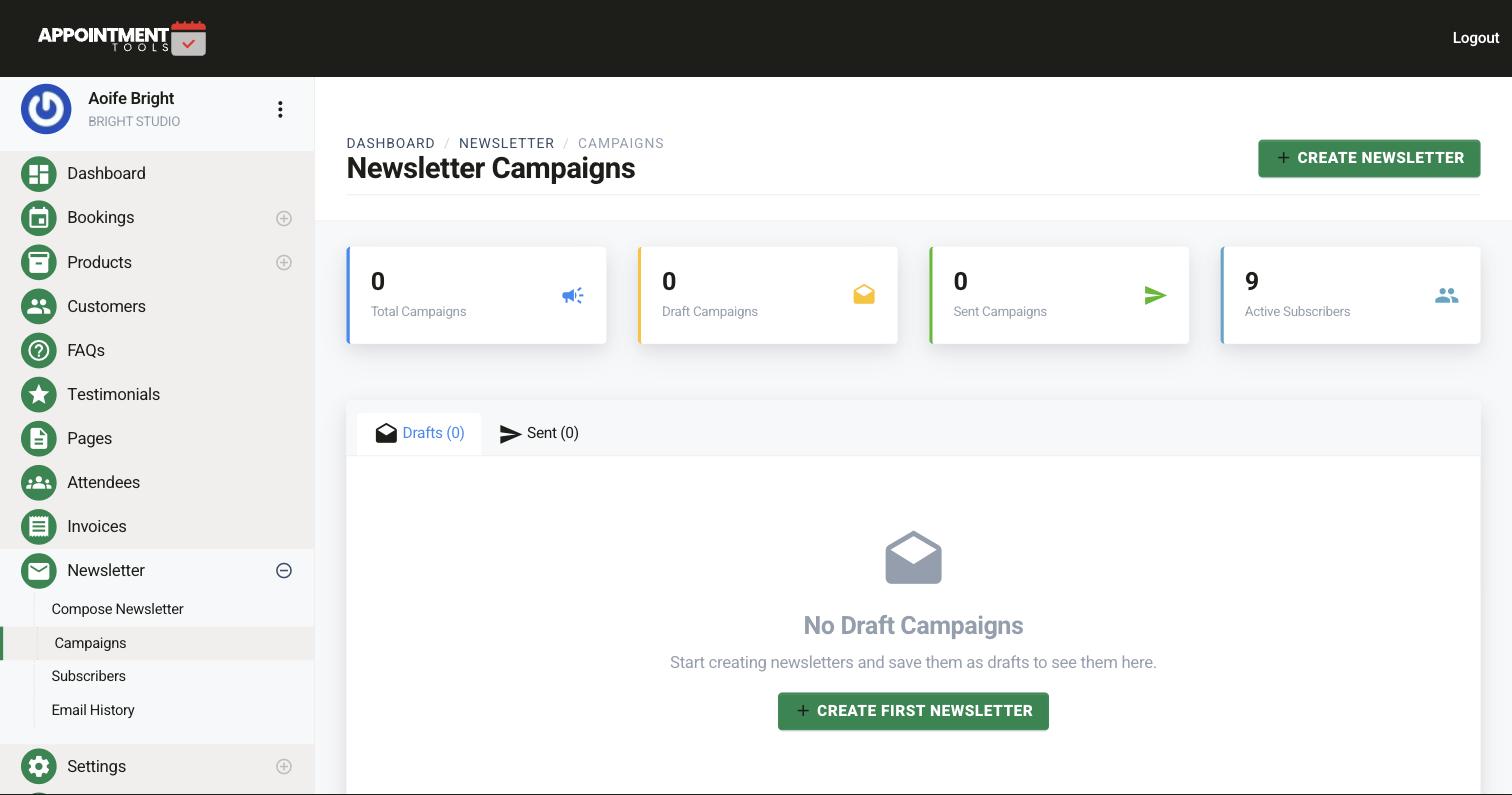
Review your campaigns
Open Newsletter → Campaigns to see the newsletters you've created and sent. This is your library of past campaigns — handy for remembering what you've already told customers and for reusing ideas that worked well.
Where to find it
Dashboard → Newsletter → CampaignsCheck your sending history
Open Newsletter → History for a record of what's been sent and when. It's a useful audit trail — you can confirm a campaign went out, see when your subscribers last heard from you and avoid emailing too often.
Where to find it
Dashboard → Newsletter → HistoryLearn from what you send
Looking back over your campaigns helps you spot patterns — which subjects and offers your customers respond to, and how often feels right to send. Use those lessons to shape your next newsletter.
Still need help?
Can't find what you're looking for? Send our support team a message and we'll reply by email.