
Compose a newsletter
Write a campaign and send it to your subscribers — to announce news, share an offer or simply keep customers coming back.
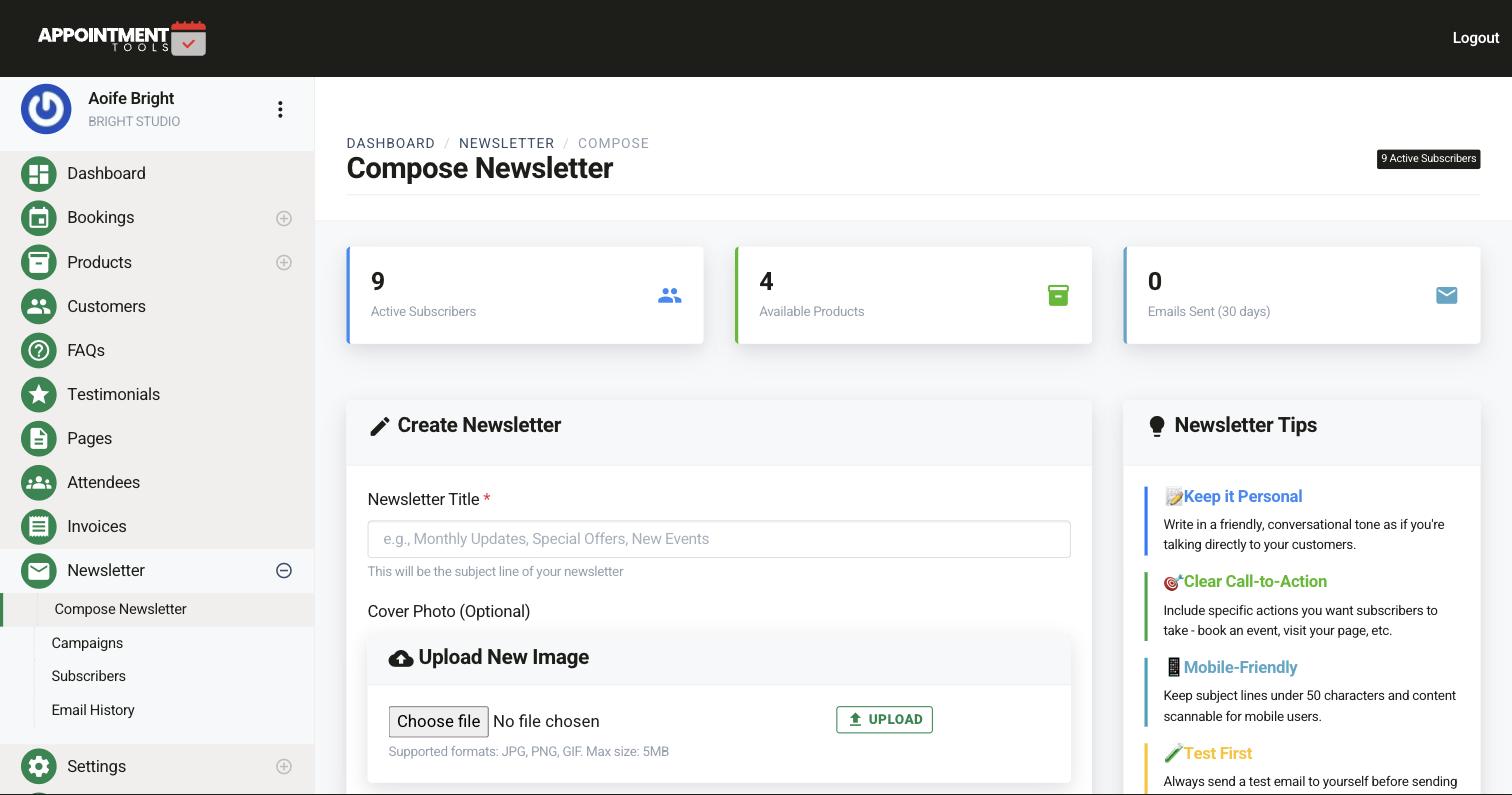
Start a campaign
Open Newsletter → Compose to create a new campaign. Give it a subject line, write your message and you're ready to send. The subject line is the first thing people see, so make it clear and inviting.
Where to find it
Dashboard → Newsletter → ComposeWrite something worth opening
A good campaign is short, useful and easy to act on. A few things that help:
- One clear message. Focus each newsletter on a single idea — a new class, a seasonal offer or an update.
- A clear next step. Tell people what to do, such as booking a slot on your booking page.
- A friendly subject line. This decides whether your email gets opened at all.
Send to your subscribers
Your campaign goes to the people on your subscriber list. Before sending, it's worth a final read-through for tone and typos, and a quick check that any links point where you expect. Once sent, the campaign is recorded so you can review how it did.
After sending
Dashboard → Newsletter → CampaignsStill need help?
Can't find what you're looking for? Send our support team a message and we'll reply by email.