
Zoom
Connect Zoom so a meeting is created automatically for every online booking, with the join link sent straight to your customer.
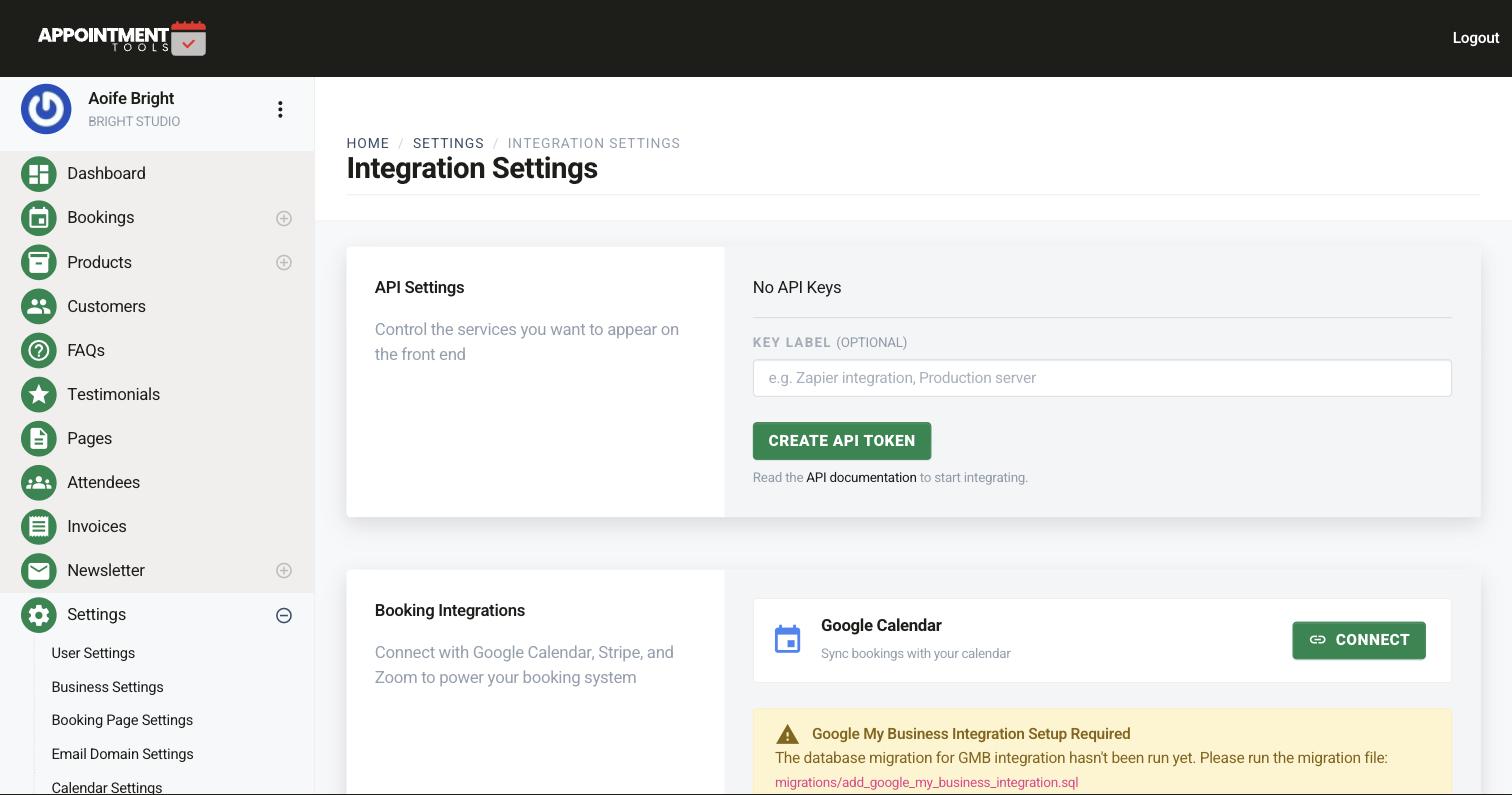
Connect Zoom
Go to Settings → Integration and select Connect under Zoom. You'll sign in to your Zoom account and approve access, then you're returned to the app with Zoom linked.
- Open Settings → Integration.
- Select Connect under Zoom.
- Sign in to Zoom and approve access.
Where to find it
Dashboard → Settings → Integration → ZoomMeetings are created for you
Once Zoom is connected, every online booking gets its own Zoom meeting created automatically. The join link is included in the booking confirmation sent to your customer, so they have everything they need to join at the appointed time — no manual scheduling on your side.
Tip. Prefer Google Meet for video calls? You can use Google Meet instead by connecting Google Calendar. Pick whichever your customers know best.
Still need help?
Can't find what you're looking for? Send our support team a message and we'll reply by email.