
Invoices and receipts
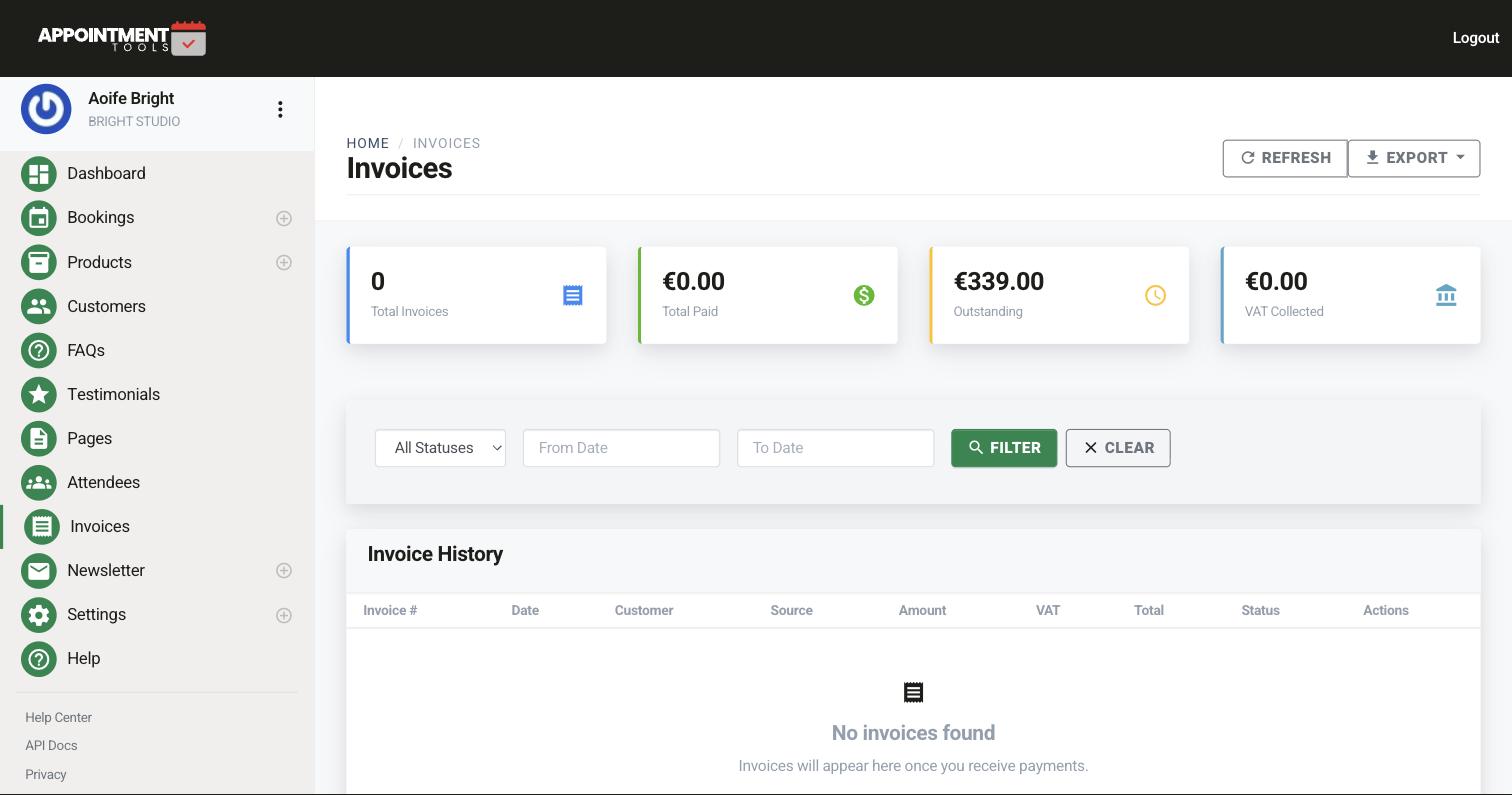
View invoices for your customers' bookings and download a PDF to send or keep for your records.
Plan required. The invoices list is available on paid plans. See Usage & upgrades.
Find a customer's invoice
Open Billing → Invoices to see the list of invoices generated from bookings. Select any invoice to open it and view the full breakdown, including any tax.
Where to find it
Dashboard → Billing → InvoicesDownload a PDF
From an open invoice you can download a PDF copy — handy for emailing to a customer or filing for your accounts.
Where to find it
Billing → Invoices → Open → DownloadRefunds
If you refund a customer, the refund is recorded against that booking's payment, so the booking always reflects what was actually charged and returned. For how tax appears on invoices, see VAT and tax.
Tip. Download and store PDFs regularly so you have your own copies for bookkeeping at the end of each period.
Still need help?
Can't find what you're looking for? Send our support team a message and we'll reply by email.