
VAT and tax
Add VAT or another tax rate so it shows correctly on your customers' bookings and invoices.
Plan required. VAT and tax settings are available on paid plans. See Usage & upgrades.
Add a tax rate
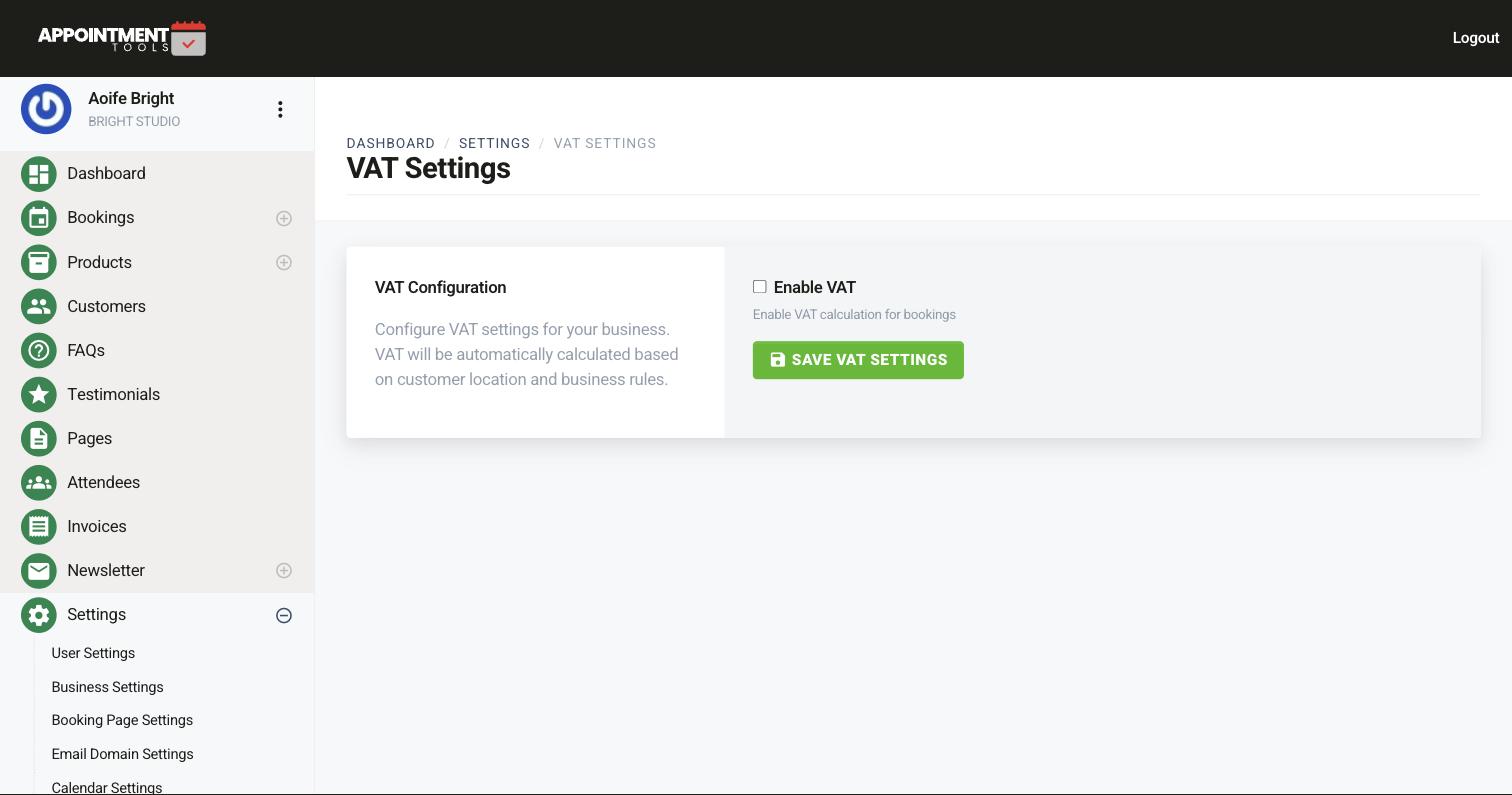
Open Settings → VAT and add the rate that applies to your business. Once set, the tax is calculated on bookings and appears as a separate line on invoices, so your customers can see exactly what they're being charged.
Where to find it
Dashboard → Settings → VATWhere it shows up
After you set a rate, tax is reflected in booking totals and on any invoices or receipts you issue. To see and download those, see Invoices and receipts.
Tip. Check the correct rate for your region and services with your accountant — the app applies whatever rate you enter, so it's worth getting right.
Still need help?
Can't find what you're looking for? Send our support team a message and we'll reply by email.