
Pricing and options
Set what each service costs and decide how customers pay — in full, with a deposit, or on arrival.
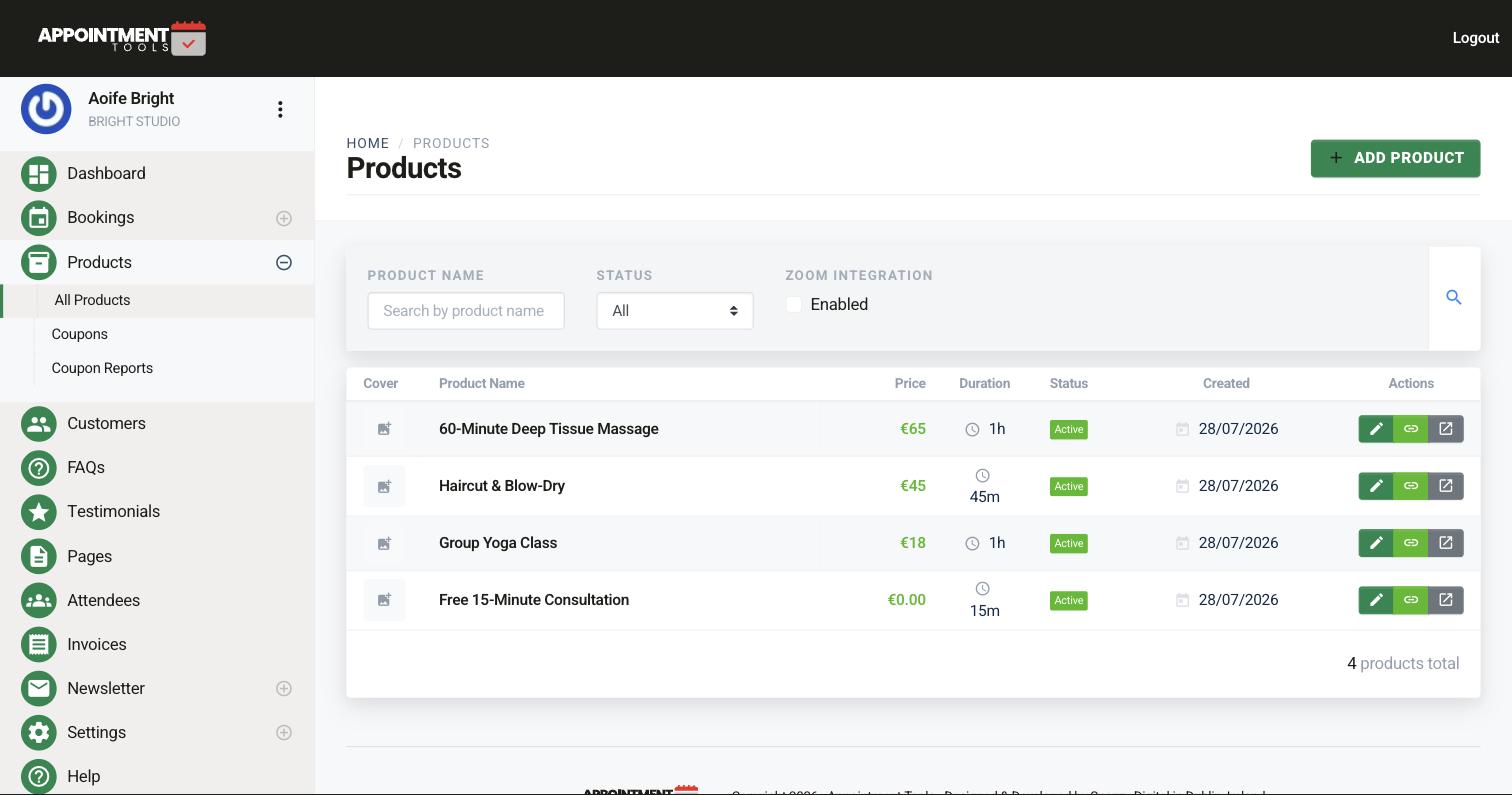
Set the price per service
Each service carries its own price, set when you create or edit it under Products. This is the amount shown to customers on your booking page and used to work out any deposit or tax.
Where to find it
Dashboard → Products → EditChoose how customers pay
How payment is handled is set once for your business, not per service. In Settings → Payment you can choose whether customers pay the full amount at booking, pay a deposit to secure the slot, or pay on arrival. For the full walkthrough see Payment settings.
Where to find it
Dashboard → Settings → PaymentTax on your prices
If you need VAT or another tax to appear on bookings and invoices, you can add tax rates that apply on top of your prices. See VAT and tax for how to set this up.
Still need help?
Can't find what you're looking for? Send our support team a message and we'll reply by email.