
QR code check-in
Every attendee gets a unique QR code with their booking — scan it on the day to check them in instantly, with no searching through a list.
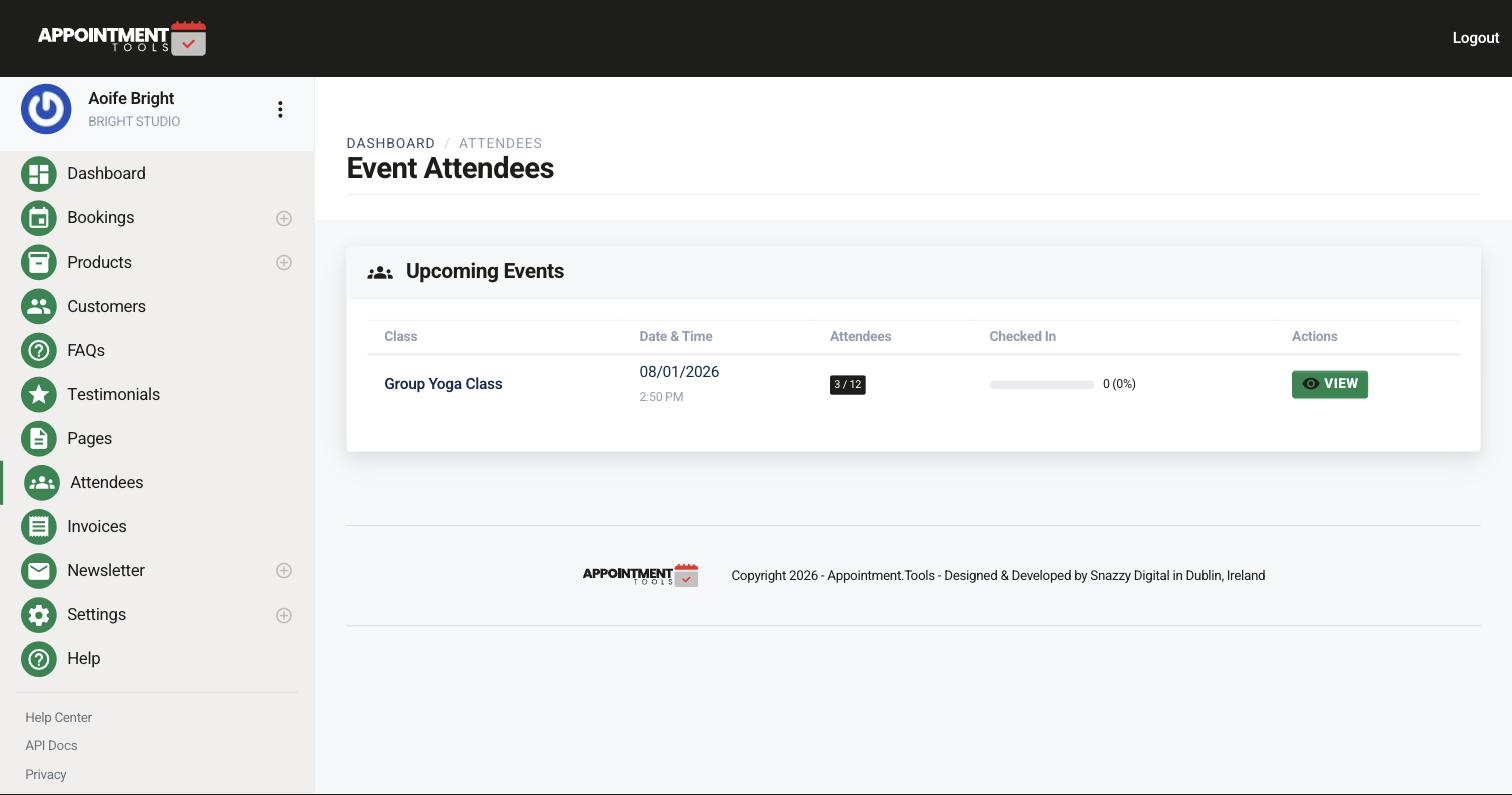
Where the QR code comes from
When a customer books, a unique QR code is generated for their place and included with their booking confirmation. Each code is tied to that one attendee, so there's no way for it to be mixed up with anyone else's.
See an attendee's code
Dashboard → Attendees → QRChecking someone in
On the day, scan the attendee's QR code with your phone or tablet camera. The code opens their check-in link and marks them as arrived straight away.
- Ask the attendee to show their QR code (on their phone or a printout).
- Scan it with your device's camera.
- They're checked in automatically and their status updates in your Attendees list.
What happens behind the scenes
Scanning a code opens that attendee's unique check-in address. The app recognises the code, records the arrival and shows a confirmation — so you get instant feedback that the right person has been checked in. Every scan is reflected in your live Attendee list.
A scan opens
/attended/{code}
→ marks attendee arrived
Still need help?
Can't find what you're looking for? Send our support team a message and we'll reply by email.