
Attendee lists
See at a glance who is coming to each of your classes and events, so you can prepare, print a register and welcome people by name.
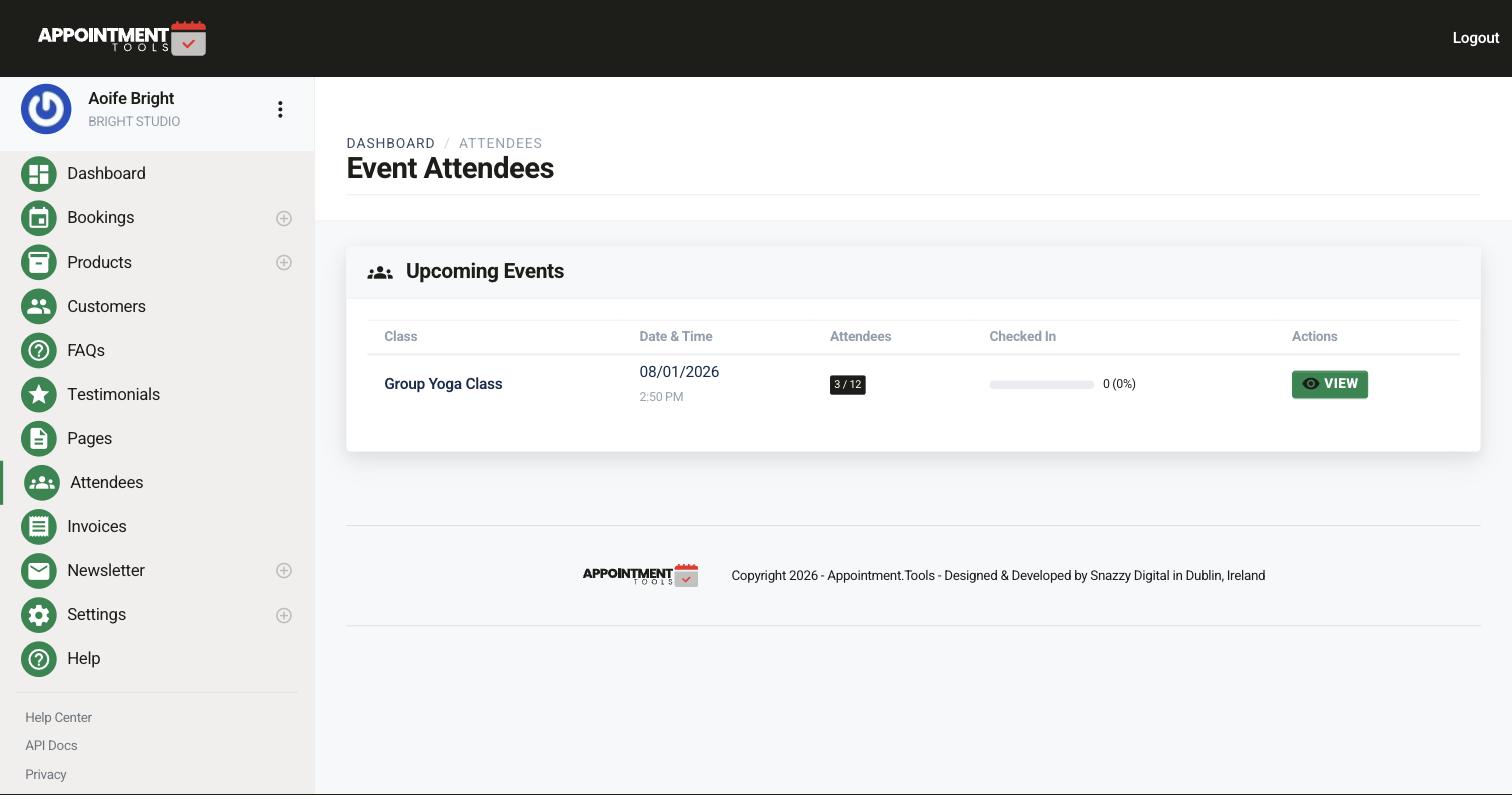
Find your attendees
Open Attendees from the left sidebar to see everyone booked onto your upcoming sessions. Each entry shows the customer's name, the session they've booked and their check-in status, so you always know who to expect.
Where to find it
Dashboard → AttendeesWhat the list shows
The list is built automatically from your bookings — there's nothing to type in yourself. For each attendee you can see:
- Who's coming. The customer's name and the session they've booked onto.
- Check-in status. Whether they've arrived yet, so you can track attendance on the day.
- Their booking details. Handy when someone has a question at the door.
On the day
Keep the Attendees list open on your phone or tablet as people arrive. You can mark each person as arrived — either by scanning their QR code or by checking them in manually from the list.
Check people in
Dashboard → Attendees
Scan QR · or · Mark arrived
Still need help?
Can't find what you're looking for? Send our support team a message and we'll reply by email.