
Cancelling a booking
Cancel a booking when plans change — and understand what your customer sees when it happens.
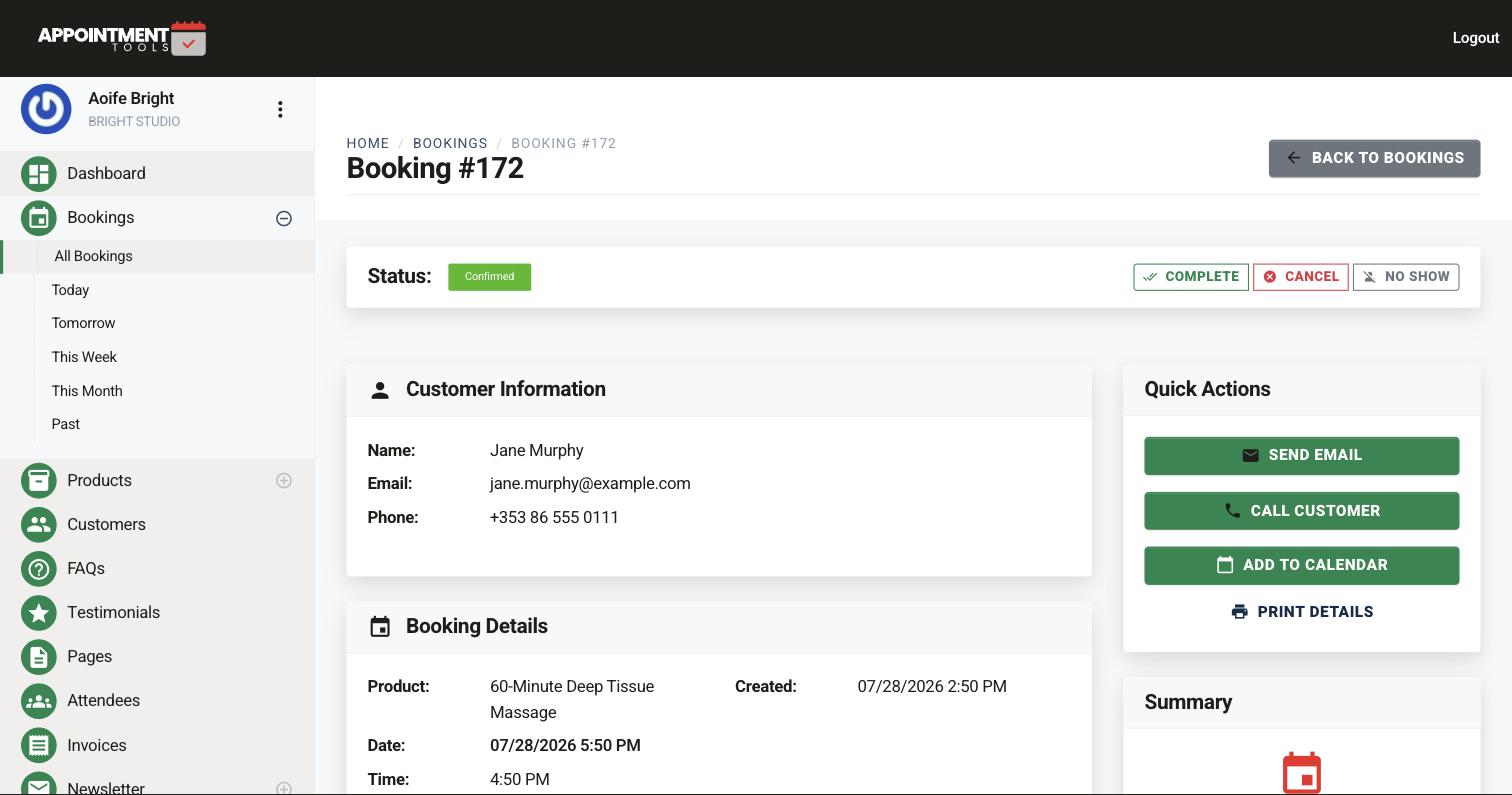
Cancel from the booking
Open the booking from your list and choose the option to cancel it. See Booking details for how to open a booking. Once cancelled, the slot is freed up and the booking is marked as cancelled in your list.
Where to find it
Dashboard → Bookings → open bookingWhat the customer sees
When a booking is cancelled, it no longer counts as an active appointment. Customers can also cancel their own booking themselves, using the cancellation link included in their confirmation email — so you don't always have to do it for them.
Customer cancel link
/cancel/{id}Refunds
Cancelling a booking doesn't automatically move money. Refunds are handled through your payment tools, separately from the cancellation itself.
Still need help?
Can't find what you're looking for? Send our support team a message and we'll reply by email.