
Classes and group bookings
Manage sessions where several people attend together — classes, workshops and group events — and see everyone booked onto each one in a single view.
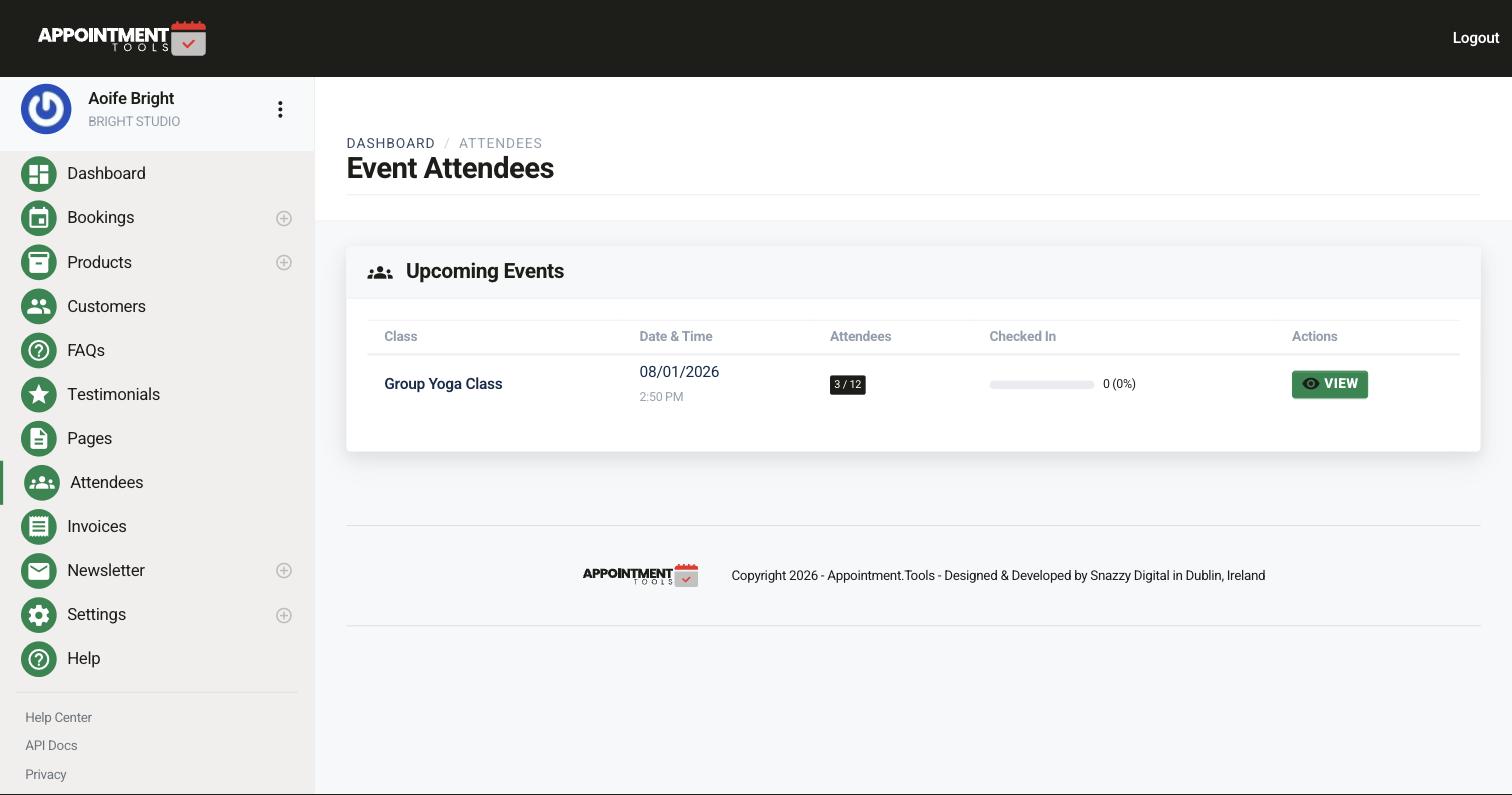
View a class and its attendees
Open Attendees → Class to see your group sessions grouped by class, with everyone booked onto each one listed together. This is the view to use when a session has more than one person attending — a fitness class, a workshop or any shared event.
Where to find it
Dashboard → Attendees → ClassHow group bookings work
When customers book a class from your booking page, each place is added to that class's attendee list automatically. You'll see how many spaces are taken and who holds them, so you can tell at a glance whether a session is filling up or still has room.
Check attendees in on the day
As people arrive for a class, mark them off from the list. Each attendee can be checked in by scanning their QR code or by marking them as arrived manually — useful when you're running a busy session and want to move people through quickly.
Run the session
Dashboard → Attendees → Class
Scan QR · or · Mark arrived
Still need help?
Can't find what you're looking for? Send our support team a message and we'll reply by email.